Explore the 6 AI photo styles in the Baby Photoshoot collection from Trendy AI Lab, including Tiny Chapters, Growing Chapter, First Hello and Festive Photoshoot. Pick a style, upload a selfie, and create a share-worthy AI image in seconds, free with rewarded ads on Android.
Every style here returns a tall 9:16 image, sized to fill a phone screen and works from one photo.

Capture every precious month with a beautiful, themed milestone photoshoot that celebrates your baby’s growth from 1 to 12 months.
Options: Baby's Month, Photoshoot Theme.

Celebrate every year of your child’s journey with elegant, cinematic milestone portraits that capture their personality, growth, and special moments from 1 to 6 years.
Options: Child's Age, Photoshoot Theme.
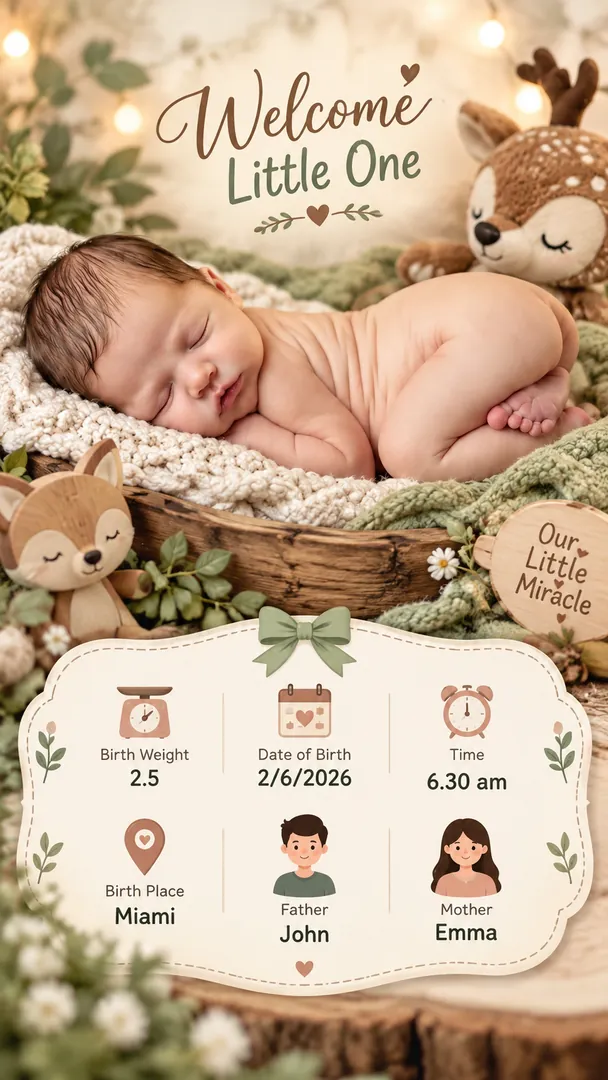
Create a beautiful birth announcement that combines a precious newborn portrait with elegant birth details, celebrating the baby’s arrival in a soft, personalized design.
Options: Theme, Gender, Birth Weight, Date of Birth, Time of Birth, Birth Place, Father's Name, Mother's Name.

Capture your little one’s festive moments with realistic, minimal photoshoots inspired by Christmas, Easter, Navratri, Diwali, and Janmashtami, blending natural expressions, elegant outfits, and subtle festive details.
Options: Festive Theme.
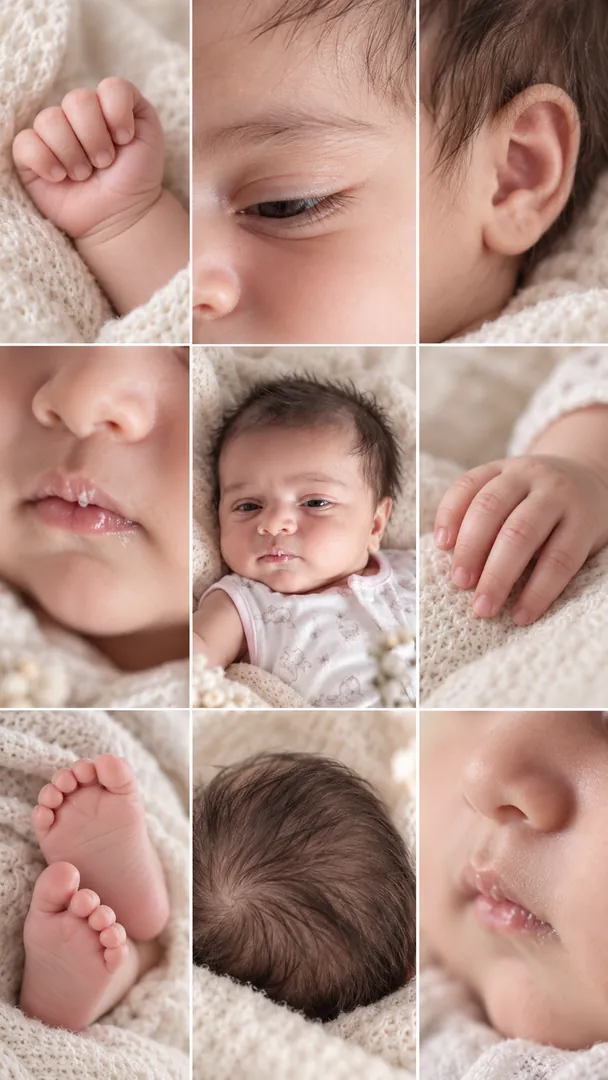
Preserve the sweetest little features of your baby with a beautiful collage of their face, tiny hands, fingers, feet, toes, and delicate details in one timeless portrait.
Options: Baby Details, Collage Layout.
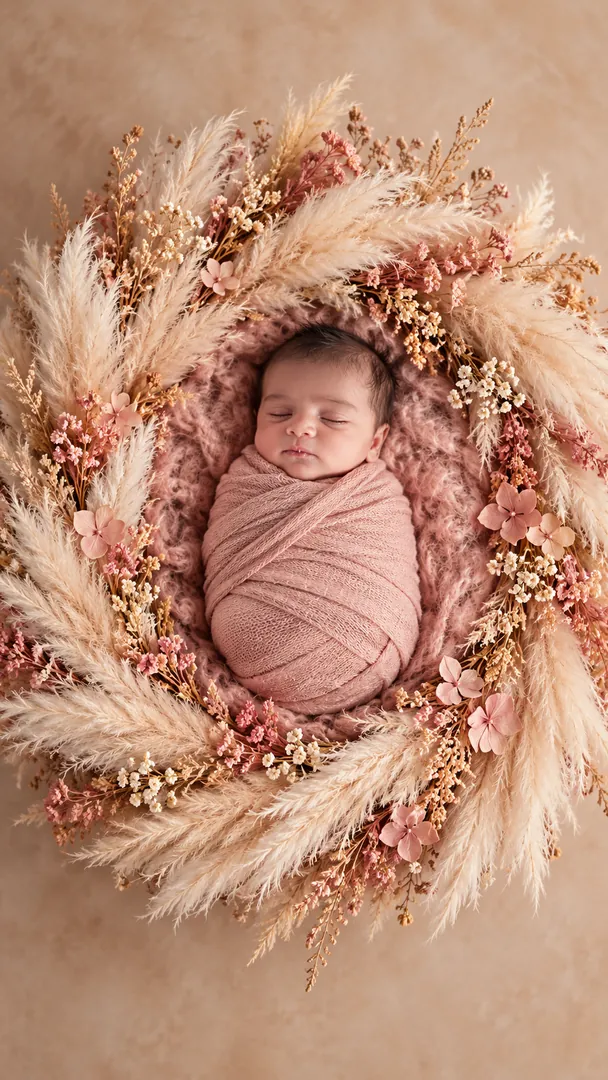
Options: Photoshoot Theme.
Choose a look from the Baby Photoshoot collection above. No editing skill needed.
Add a clear, well-lit selfie. It is used only to make your image and is deleted afterward.
Your AI photo is ready in seconds to download or share anywhere.
Open the Trendy AI Lab app, pick a style from the Baby Photoshoot collection, upload a photo, and the app generates your image in seconds. You can then download or share it.
Use a clear, well-lit, front-facing photo with a simple background so your face is easy to see. That gives the AI the most to work with.
Yes. The browser image tools are free with no account at all. In the app you earn free credits by watching rewarded ads, or buy credit packs.
The image tools work in any browser, on phone or desktop. The AI trends are in the Android app, with the iOS version coming soon.
Your photo is sent to a third-party AI service only to generate your image, and the upload is deleted afterwards. It is never used for advertising.
Get the Trendy AI Lab app and try it free with rewarded ads.

 Coming soon