Explore the 9 AI photo styles in the Navratri collection from Trendy AI Lab, including Navratri Mata Rani Getup, Navratri Darshan, Garbo Garba and Business Wishing Card. Pick a style, upload a selfie, and create a share-worthy AI image in seconds, free with rewarded ads on Android.
The Navratri collection turns your photo into festive AI Garba photos, a mid-spin Garba portrait, a Dandiya night, a detailed chaniya choli fashion portrait, a kids' twirl and a nine-colour look grid, keeping your face recognizable while the outfit, venue and lighting are styled around you.
Every style here works from one photo.
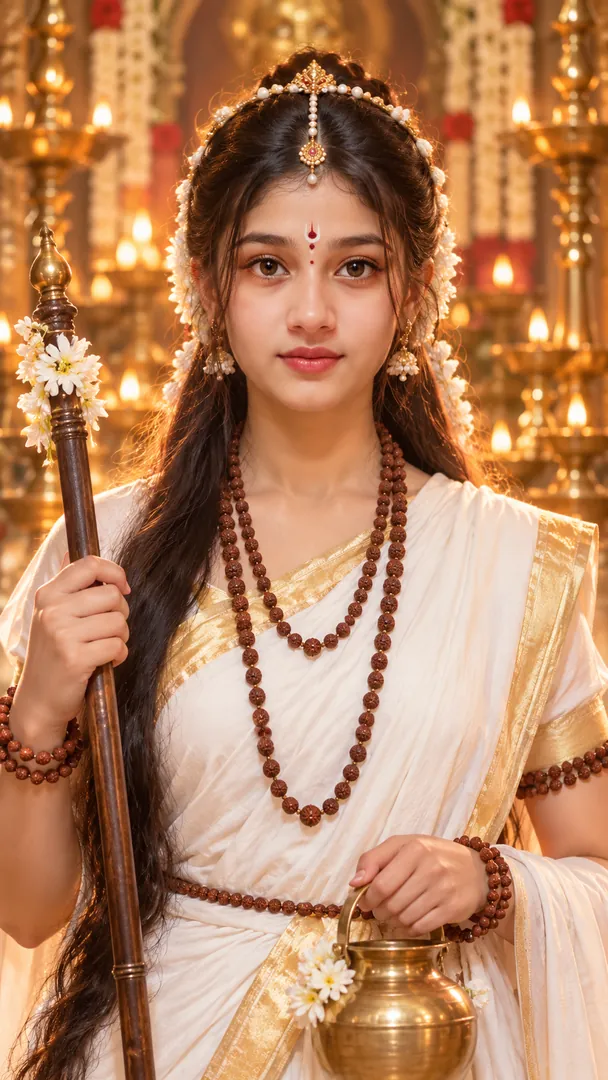
Transform your portrait into a divine Mata Rani getup with goddess-inspired makeup, face styling, attire, and jewelry while preserving your exact identity in a straight-to-camera half-body close-up.
Returns a tall 9:16 image, sized to fill a phone screen, Options: Mata Rani Getup.
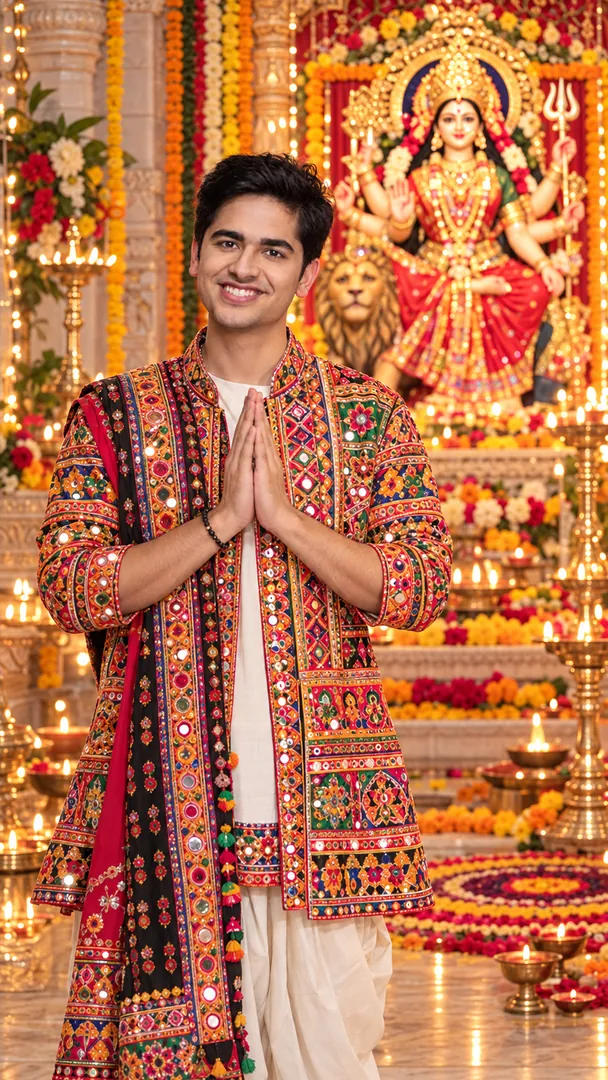
Create a realistic Gujarati Navratri temple portrait with traditional attire, devotional pose, Mataji idol, diyas, flowers, rangoli, and warm festive lighting while preserving the person’s exact identity.
Returns a tall 9:16 image, sized to fill a phone screen.
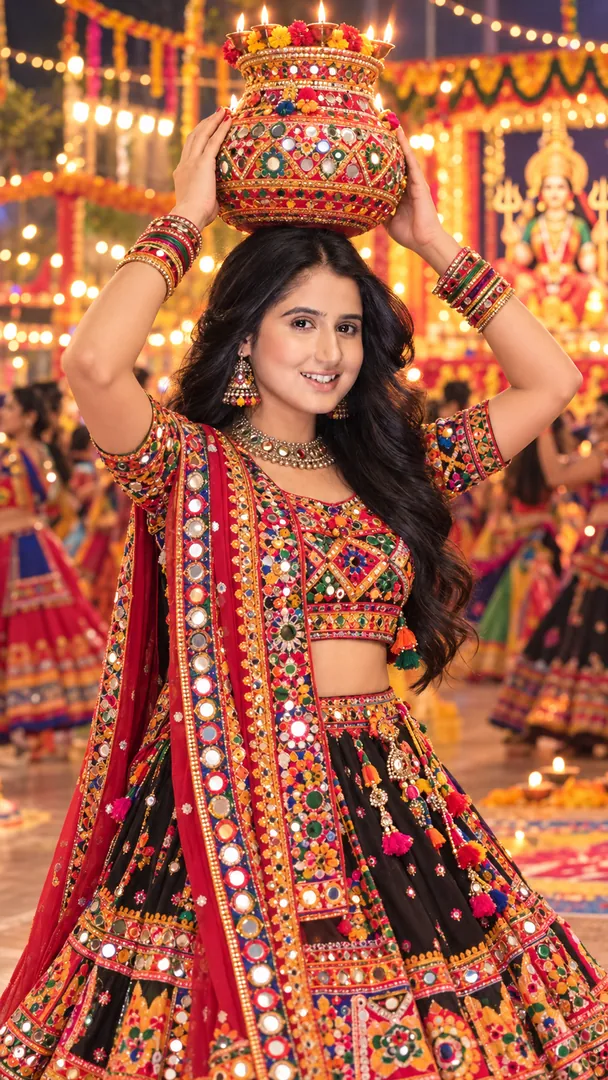
Celebrate Navratri with traditional Garba, a beautifully decorated Garbo pot, vibrant Gujarati attire, and a festive atmosphere.
Returns a tall 9:16 image, sized to fill a phone screen.
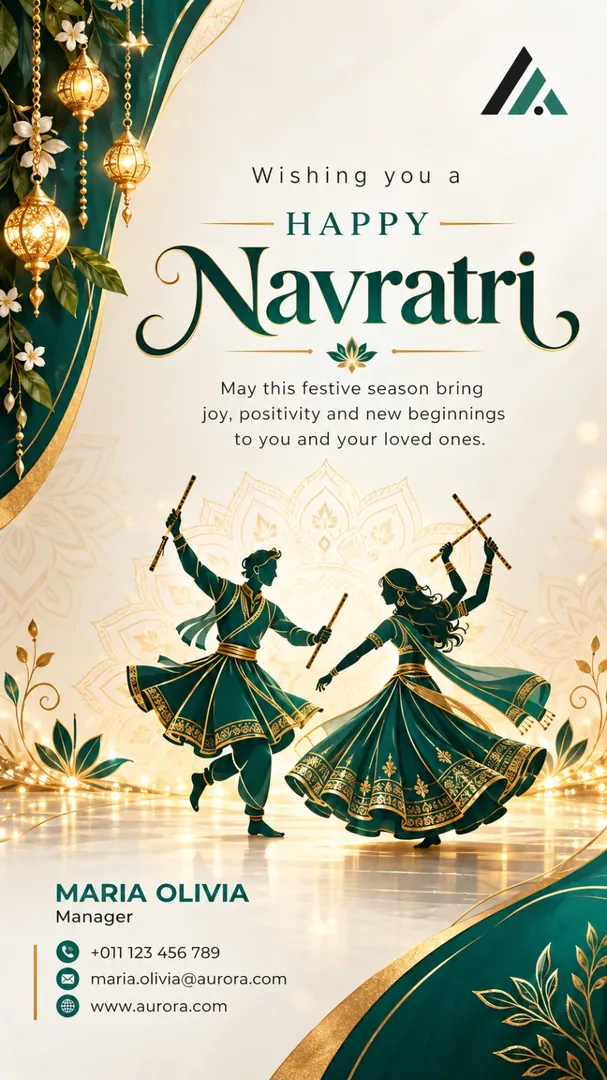
Create a premium Navratri business greeting post using the details from the uploaded business visiting card. Preserve the brand name, logo, contact details, and business identity, styled in the Navratri look of your part of India, with customizable layouts, colors, and a personalized Navratri greeting.
Returns a tall 9:16 image, sized to fill a phone screen, Options: Business name, Industry / Business, Region, Layout, Colours, Greeting.
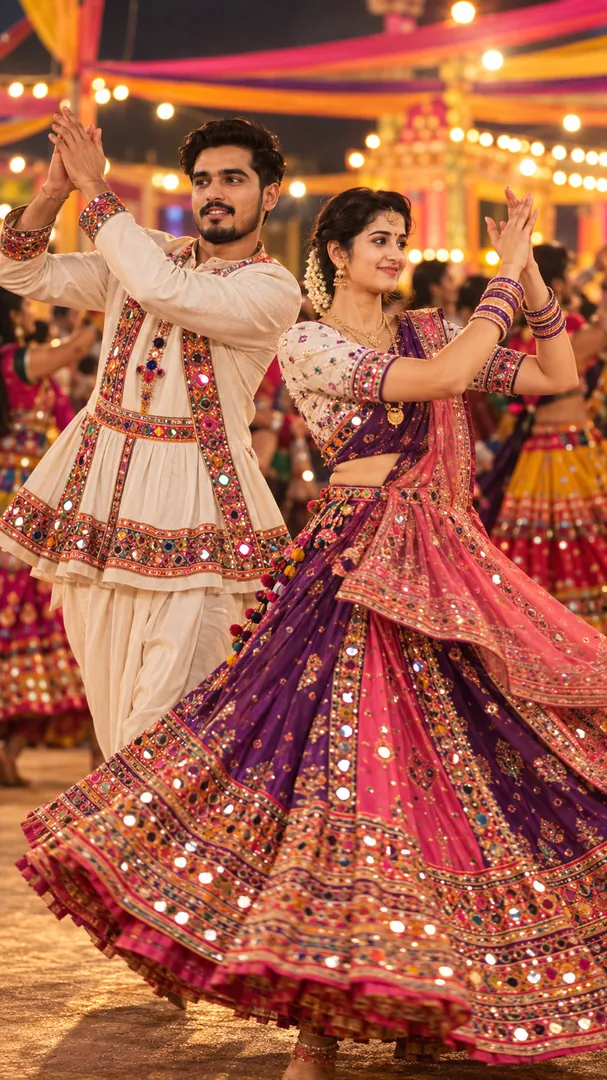
Caught mid-spin, chaniya choli flaring, under the Navratri lights.
Returns a tall 9:16 image, sized to fill a phone screen, Options: Clothing Colours, Venue.
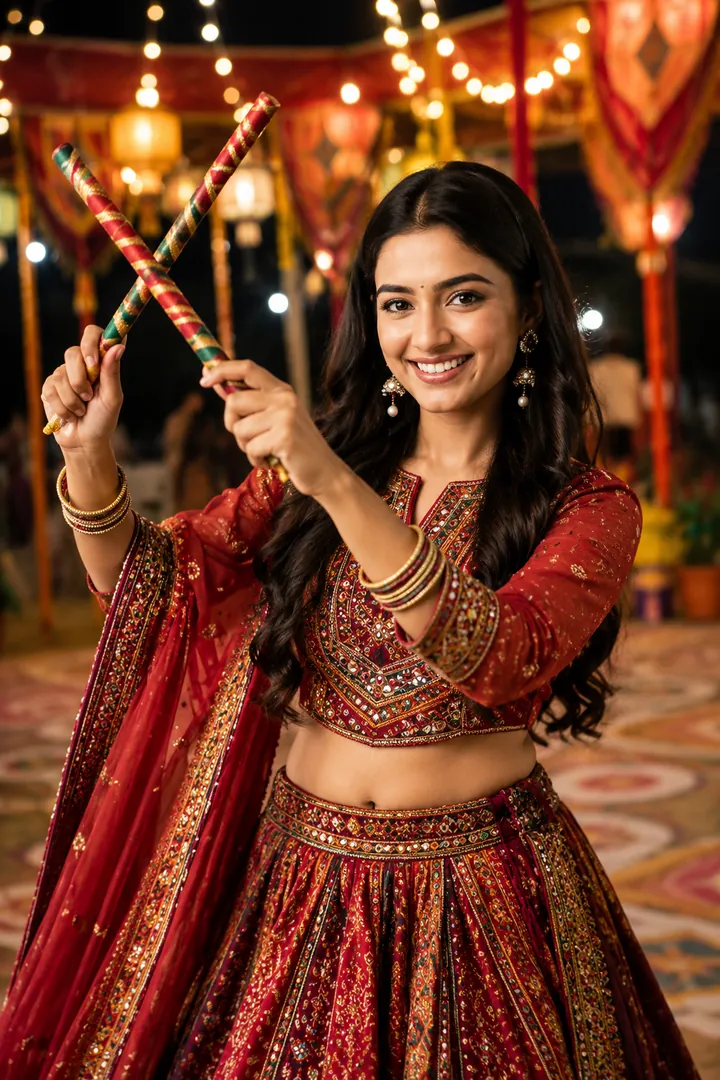
Sticks up mid-raas at a properly lit Dandiya night.
Returns a tall 9:16 image, sized to fill a phone screen, Options: Outfit, Lighting mood.
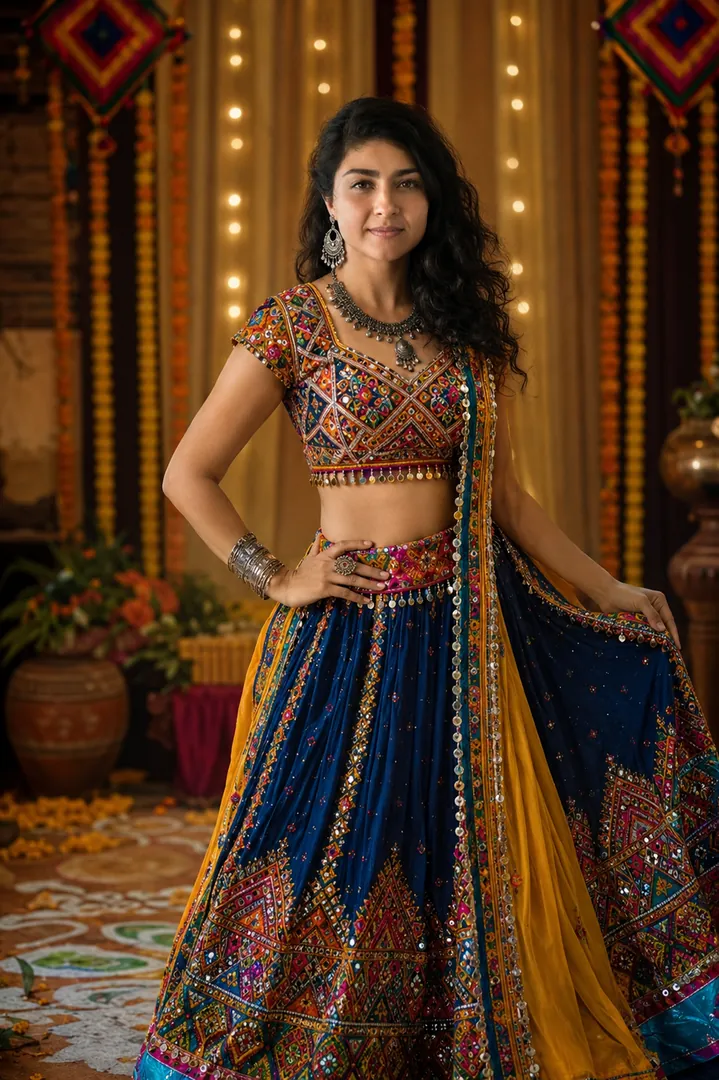
Mirror work, embroidery and jewellery, photographed close enough to see it all.
Returns a tall 9:16 image, sized to fill a phone screen, Options: Embroidery style, Colour, Jewellery.
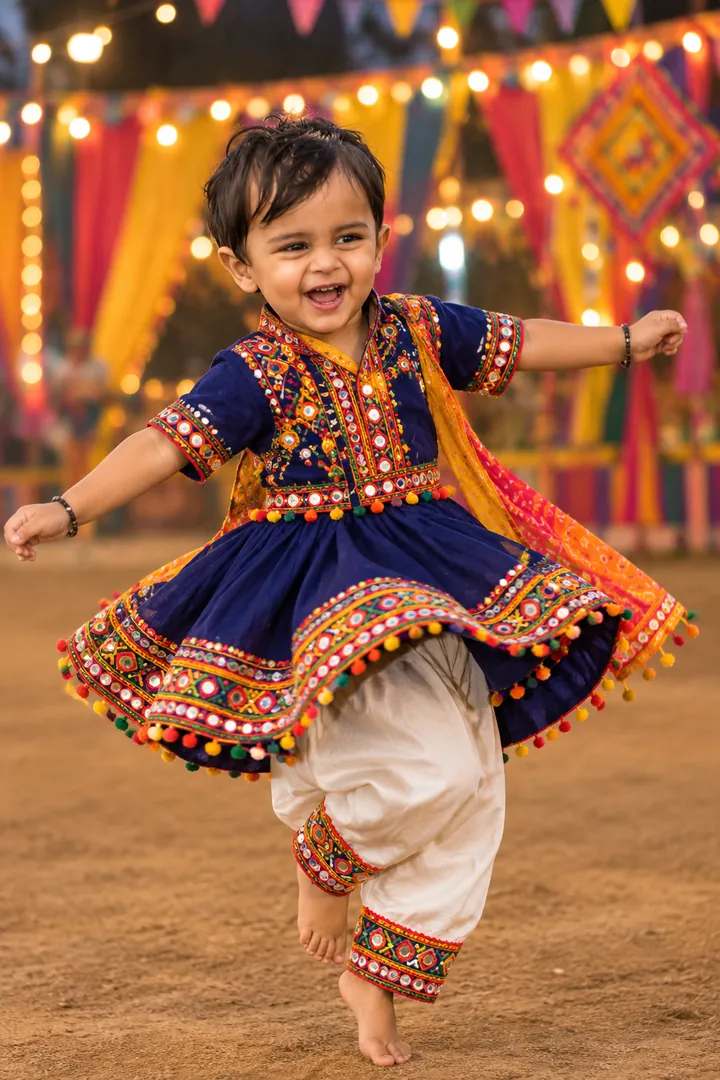
Your child mid-twirl in a bright traditional outfit under the lights.
Returns a tall 9:16 image, sized to fill a phone screen, Options: Outfit colour, Venue.
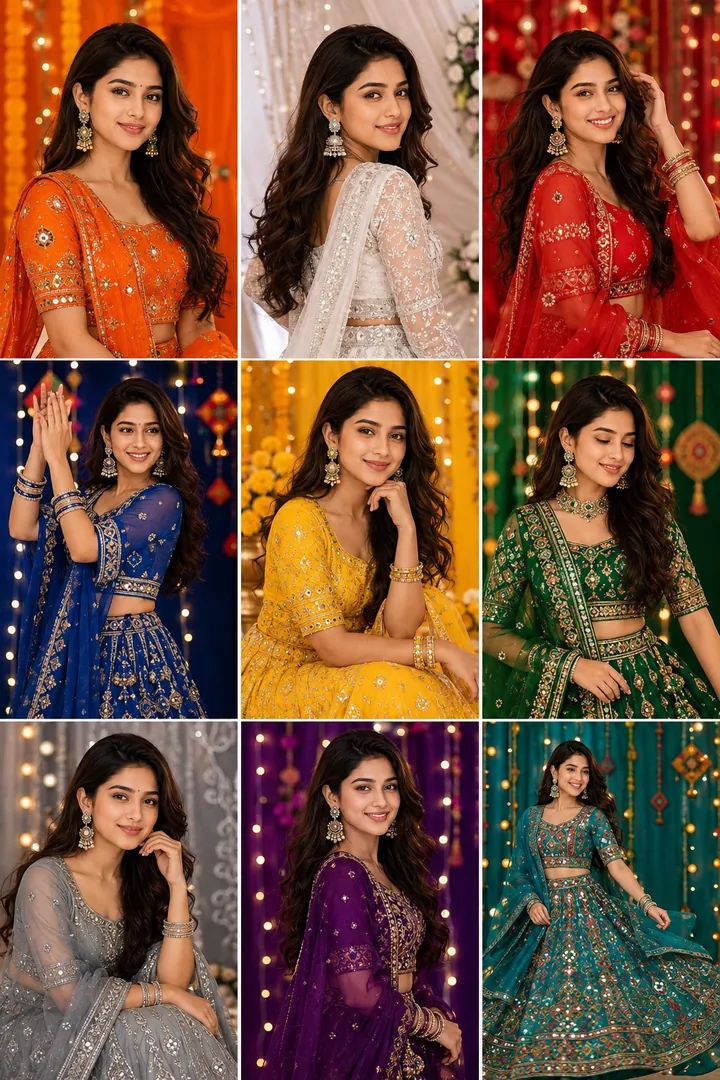
Nine panels, one for each of the nine traditional Navratri colours.
Returns a square image, sized for a profile picture or a post, Options: Outfit style, Layout.
Choose a look from the Navratri collection above. No editing skill needed.
Add a clear, well-lit selfie. It is used only to make your image and is deleted afterward.
Your AI photo is ready in seconds to download or share anywhere.
Use a clear, well-lit photo showing your full face so the festival lighting and jewellery detail sit naturally on it.
Open the Trendy AI Lab app, pick a style from the Navratri collection, upload a photo, and the app generates your image in seconds. You can then download or share it.
Use a clear, well-lit photo showing your full face so the festival lighting and jewellery detail sit naturally on it.
Yes. The browser image tools are free with no account at all. In the app you earn free credits by watching rewarded ads, or buy credit packs.
The image tools work in any browser, on phone or desktop. The AI trends are in the Android app, with the iOS version coming soon.
Your photo is sent to a third-party AI service only to generate your image, and the upload is deleted afterwards. It is never used for advertising.
Get the Trendy AI Lab app and try it free with rewarded ads.

 Coming soon