Explore the 4 AI photo styles in the Professional Headshot collection from Trendy AI Lab, including Standard ID Photo, Medical Portrait Pro, Corporate Portrait Pro and Legal Portrait Pro. Pick a style, upload a selfie, and create a share-worthy AI image in seconds, free with rewarded ads on Android.
Every style here returns a tall 9:16 image, sized to fill a phone screen and works from one photo.

Create a clean, realistic passport photo with a plain background, centered framing, natural appearance, and customizable clothing.
Options: Background, Clothing.

Create polished, realistic professional headshots for doctors and medical professionals, with refined medical attire and backgrounds tailored to different healthcare environments while preserving the subject’s exact identity and natural appearance.
Options: Professional Background.
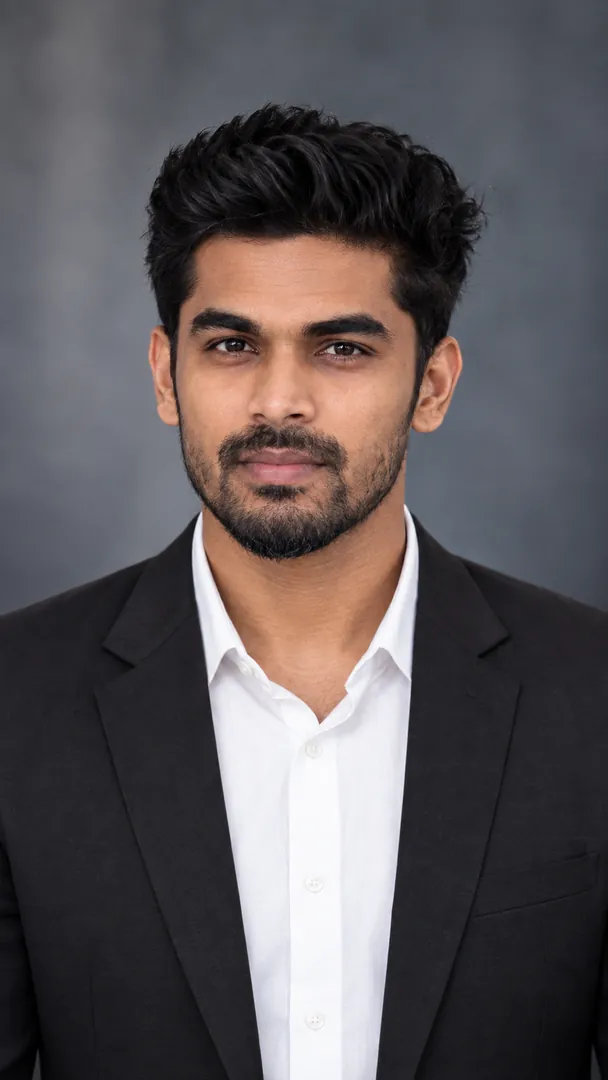
Create polished, realistic corporate headshots with professional attire and backgrounds tailored to different business environments, while preserving the subject’s exact identity and natural appearance.
Options: Corporate Style.
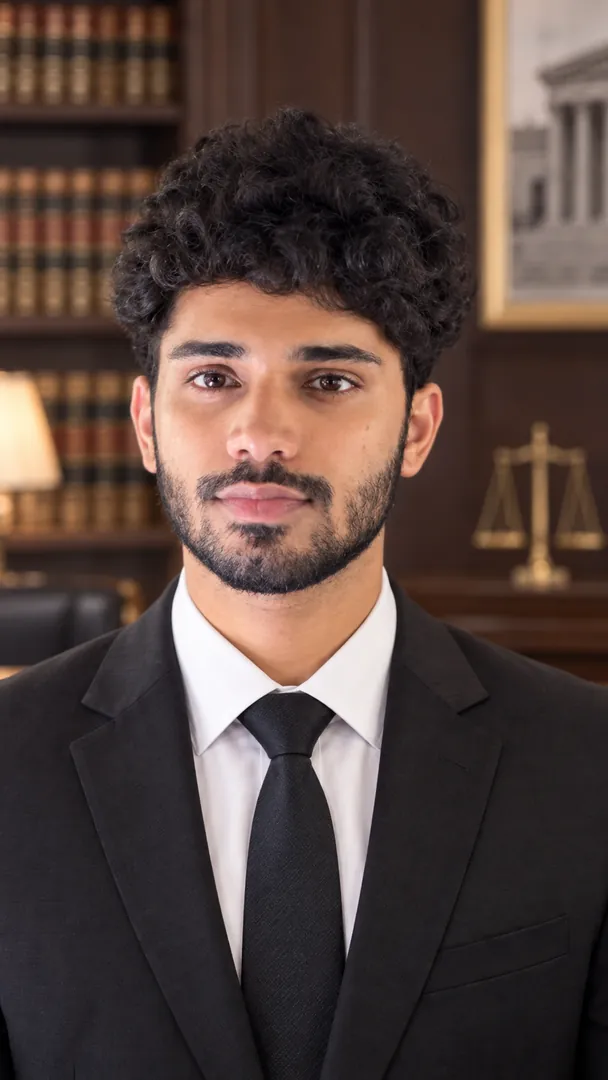
Create polished, realistic professional headshots for lawyers, featuring refined legal attire and sophisticated backgrounds tailored to different legal environments while preserving the subject’s exact identity and natural appearance.
Options: Legal Style.
Choose a look from the Professional Headshot collection above. No editing skill needed.
Add a clear, well-lit selfie. It is used only to make your image and is deleted afterward.
Your AI photo is ready in seconds to download or share anywhere.
Open the Trendy AI Lab app, pick a style from the Professional Headshot collection, upload a photo, and the app generates your image in seconds. You can then download or share it.
Use a clear, well-lit, front-facing photo with a simple background so your face is easy to see. That gives the AI the most to work with.
Yes. The browser image tools are free with no account at all. In the app you earn free credits by watching rewarded ads, or buy credit packs.
The image tools work in any browser, on phone or desktop. The AI trends are in the Android app, with the iOS version coming soon.
Your photo is sent to a third-party AI service only to generate your image, and the upload is deleted afterwards. It is never used for advertising.
Get the Trendy AI Lab app and try it free with rewarded ads.

 Coming soon