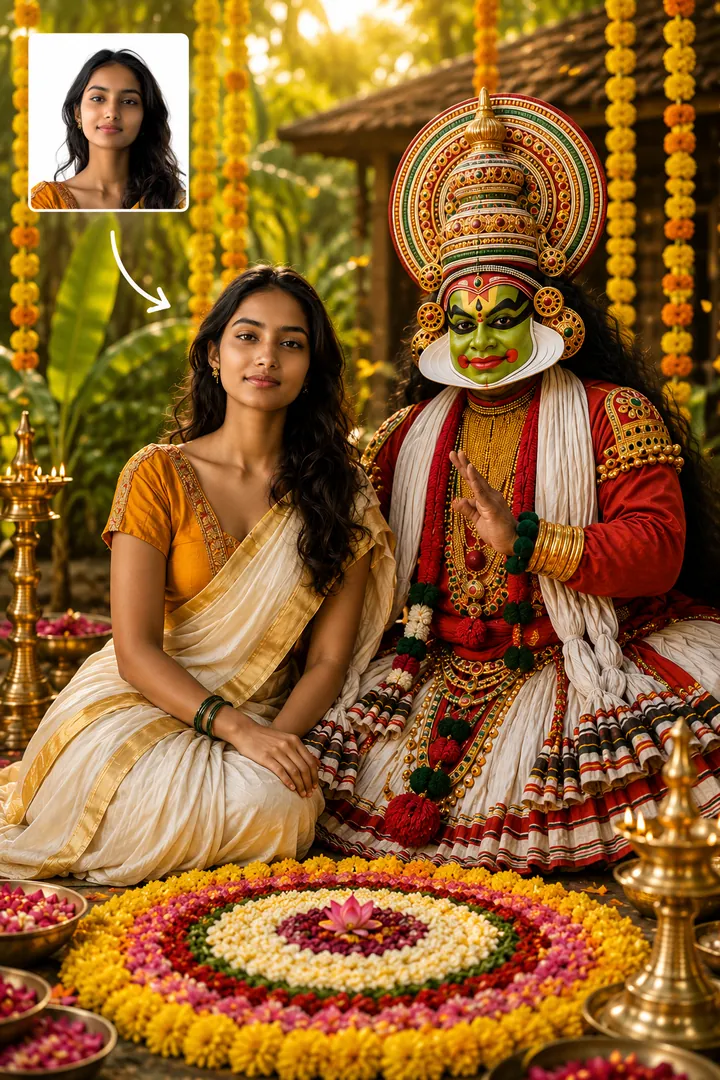
Explore the 13 AI photo styles in the Festival Collection from Trendy AI Lab, including Kathakali Onam Celebration, Grand Pookalam Celebration, Onam Sadya Feast and Divine Shiva Blessing. Pick a style, upload a selfie, and create a share-worthy AI image in seconds, free with rewarded ads on Android.
The Festival Collection turns your photo into an Indian festival portrait with AI, Onam pookalam and sadya scenes, a Kathakali look, King Mahabali's welcome, the snake boat race, and Shravan devotion at Kedarnath, Mount Kailash and the Jyotirlingas, keeping your face recognisable while the setting is built around you.
Kathakali Onam CelebrationFestival Collection
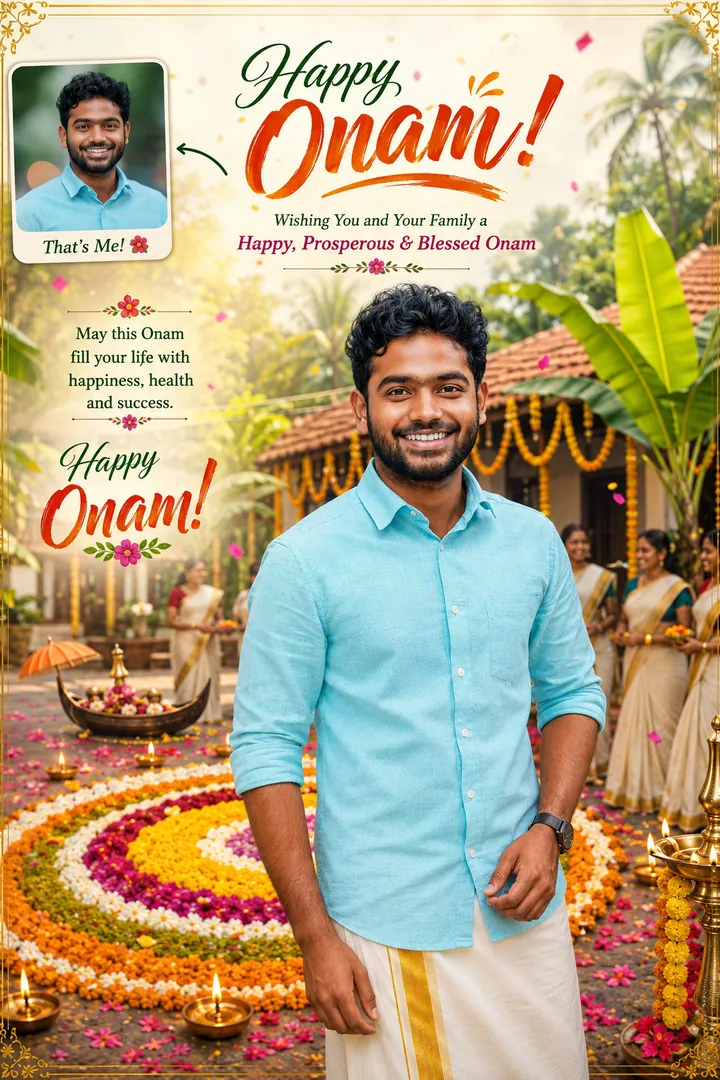
Grand Pookalam CelebrationFestival Collection
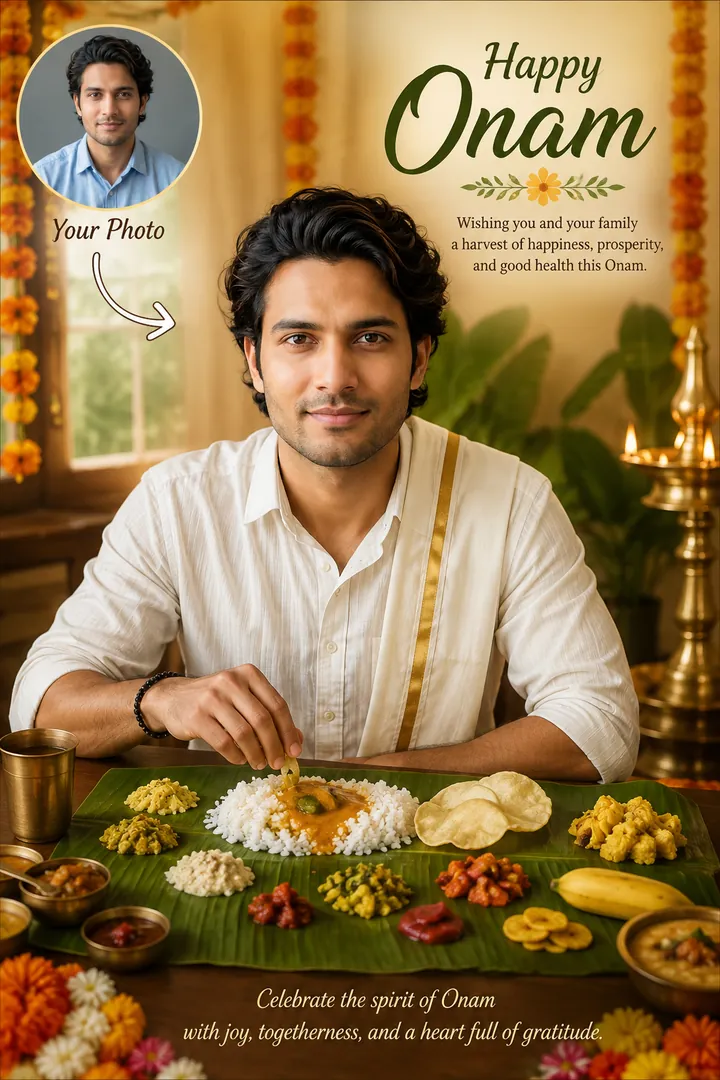
Onam Sadya FeastFestival Collection
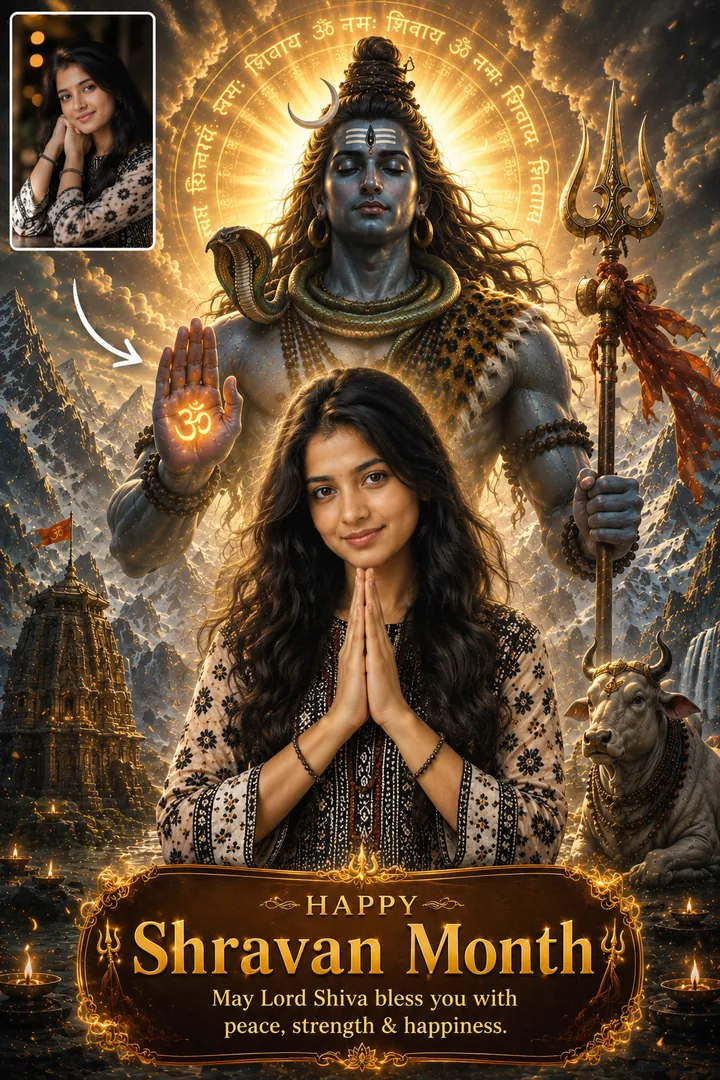
Divine Shiva BlessingFestival Collection
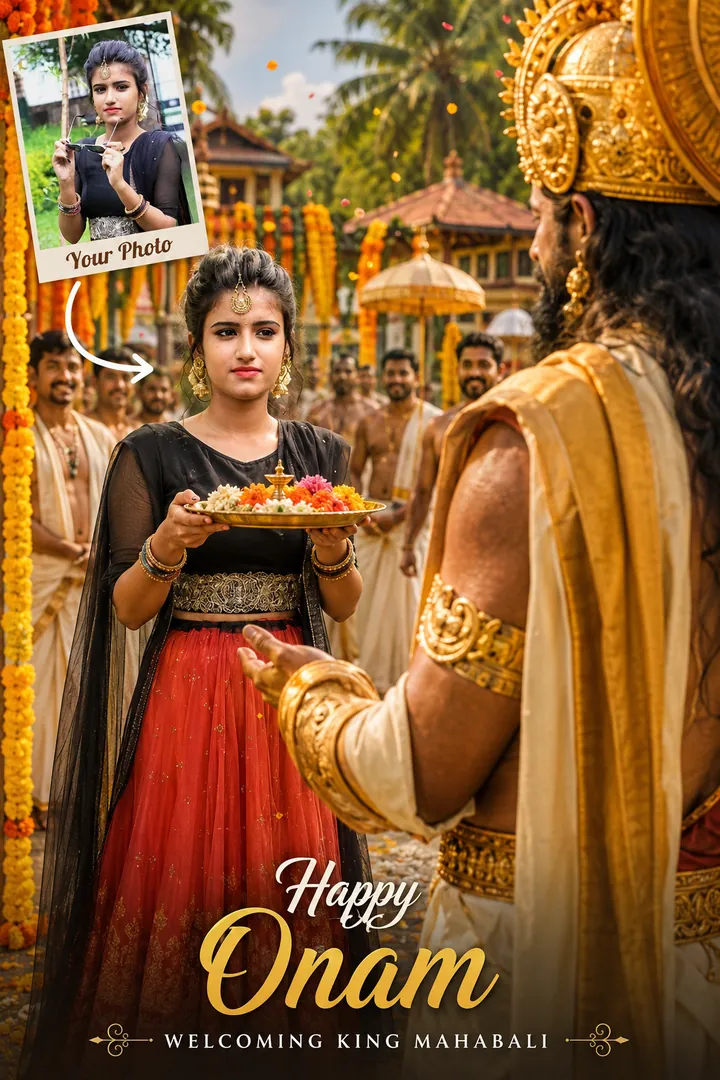
King Mahabali's WelcomeFestival Collection
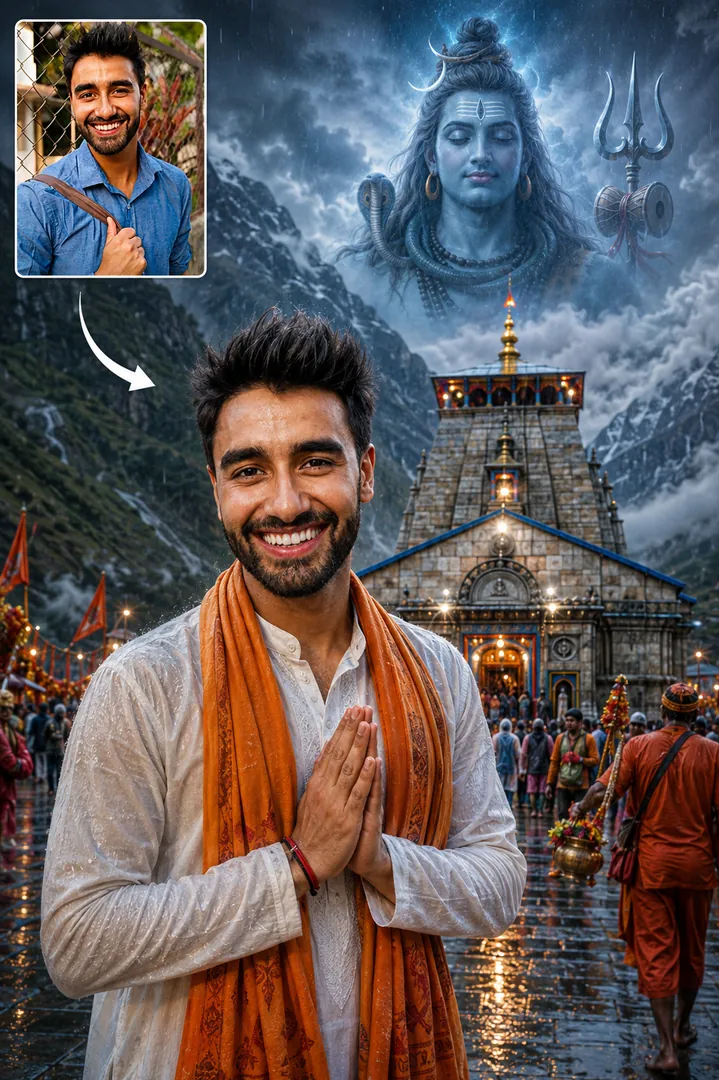
Kedarnath BlessingFestival Collection
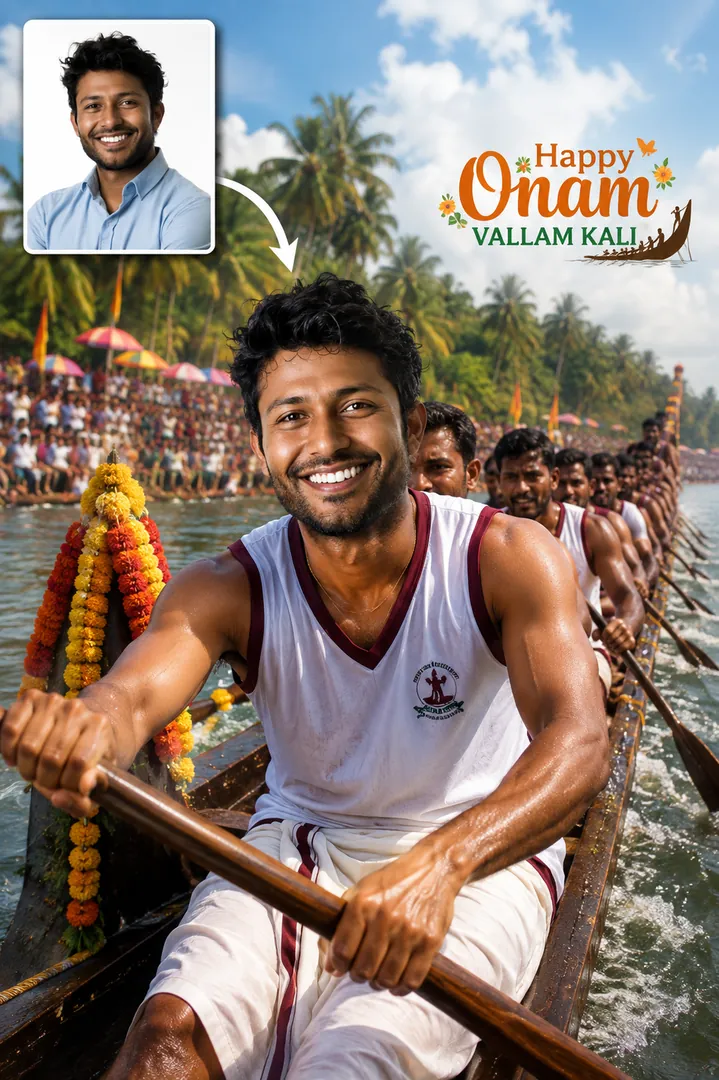
Snake Boat Race ChampionFestival Collection
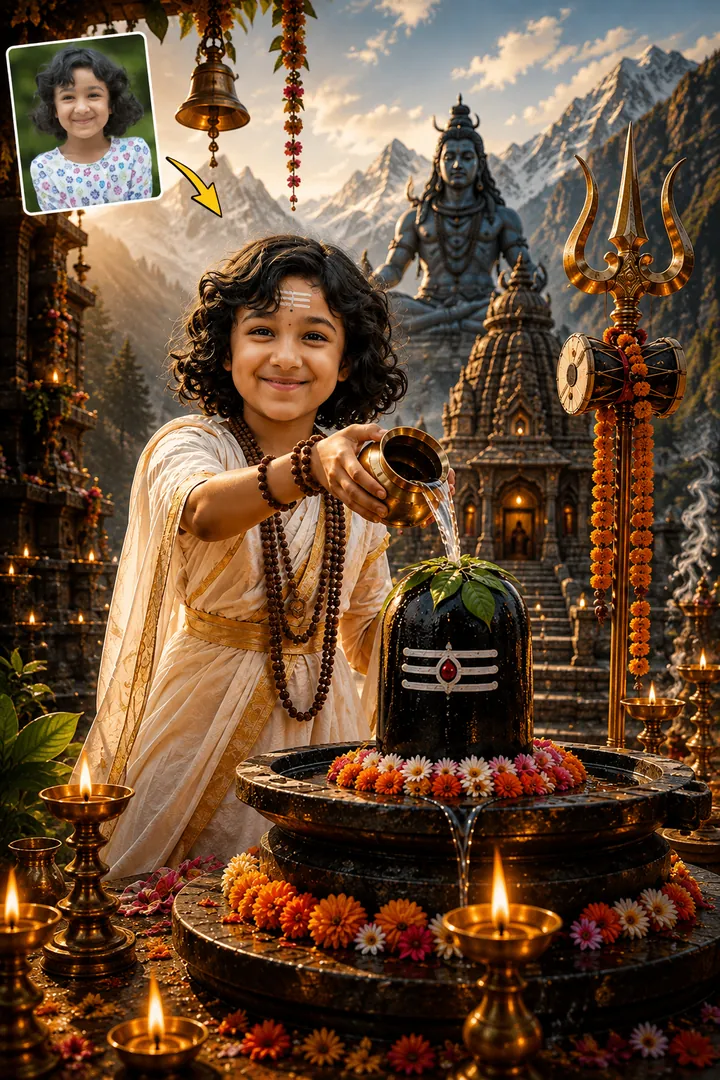
Shravan DevotionFestival Collection
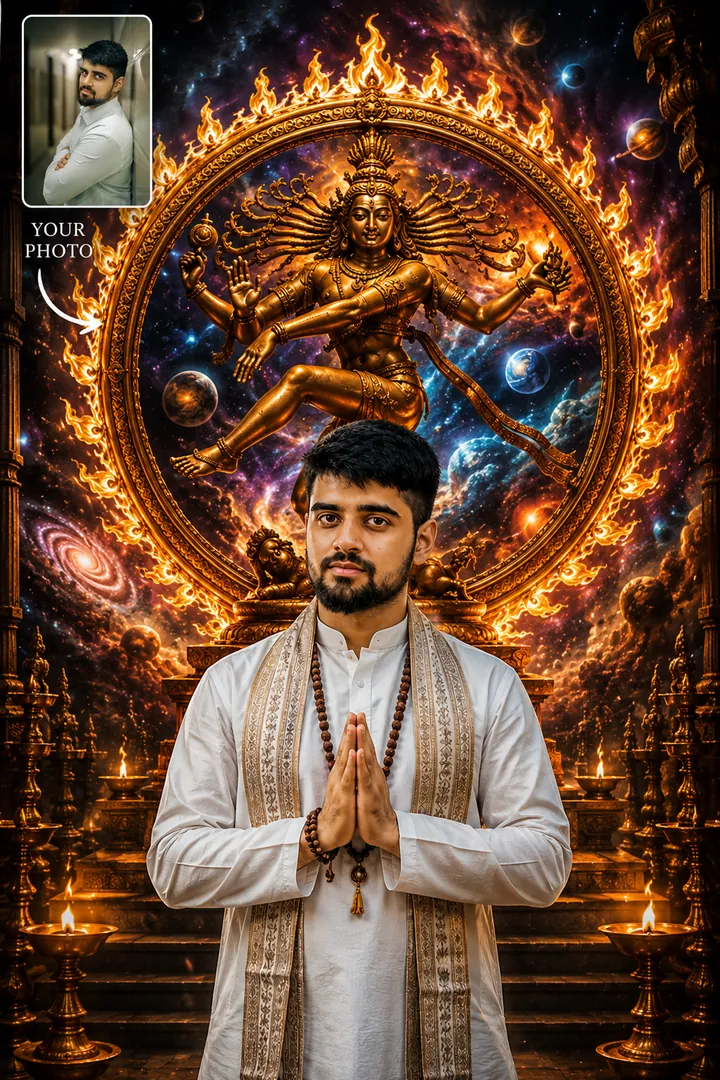
Cosmic NatarajaFestival Collection
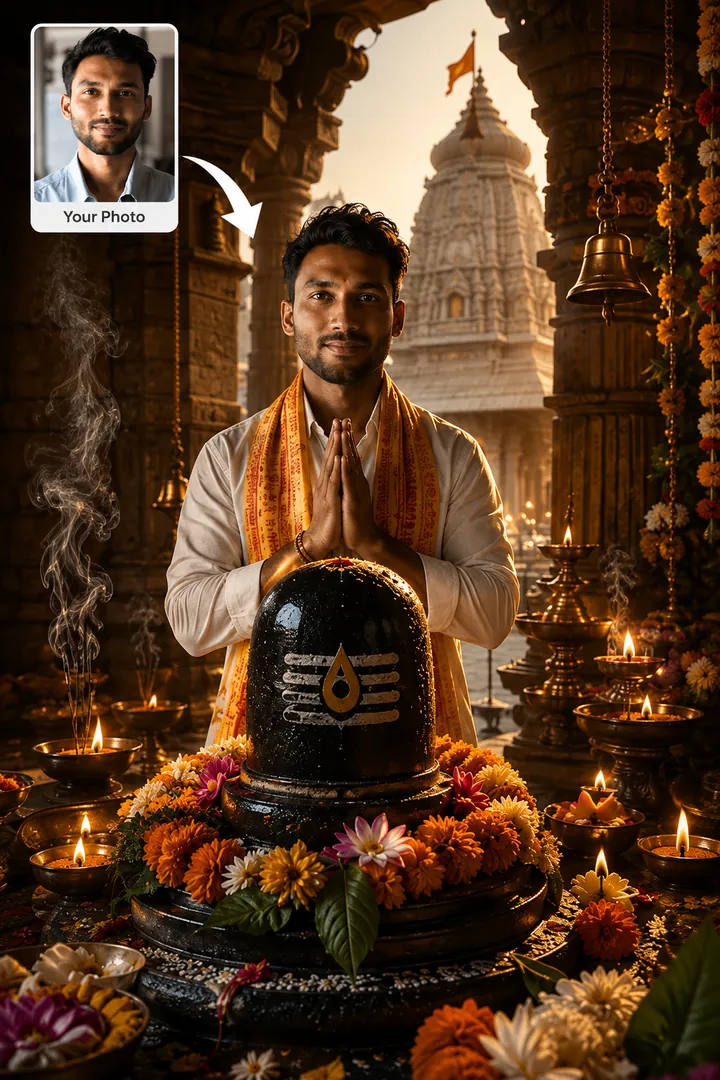
Jyotirlinga DarshanFestival Collection
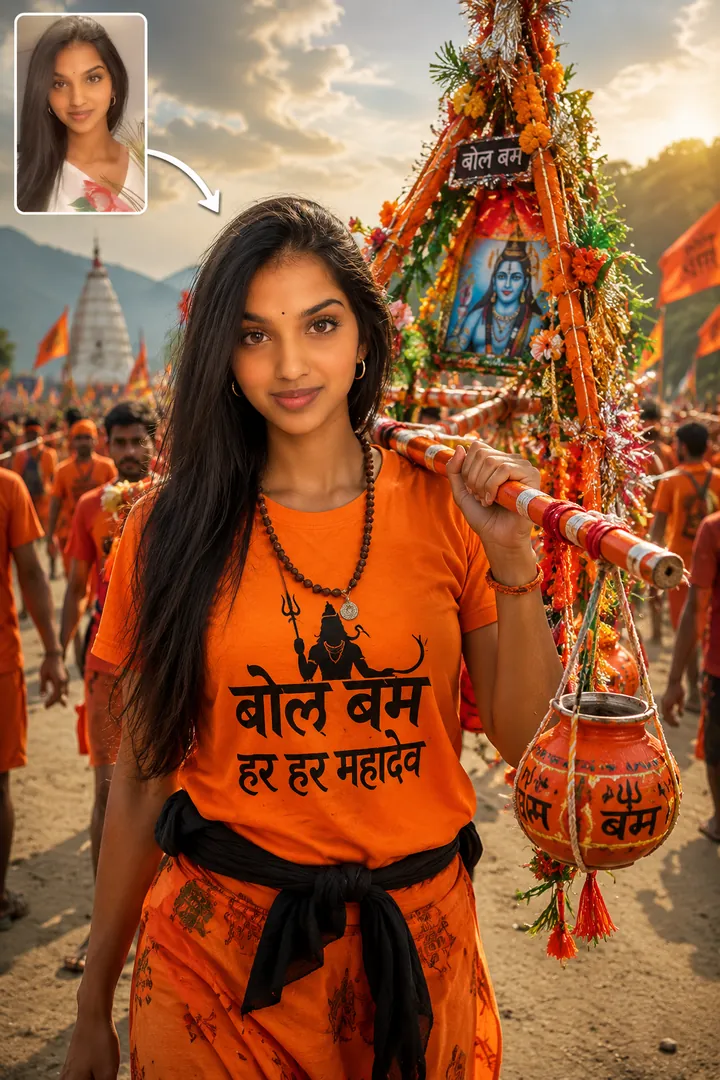
Kanwar YatraFestival Collection
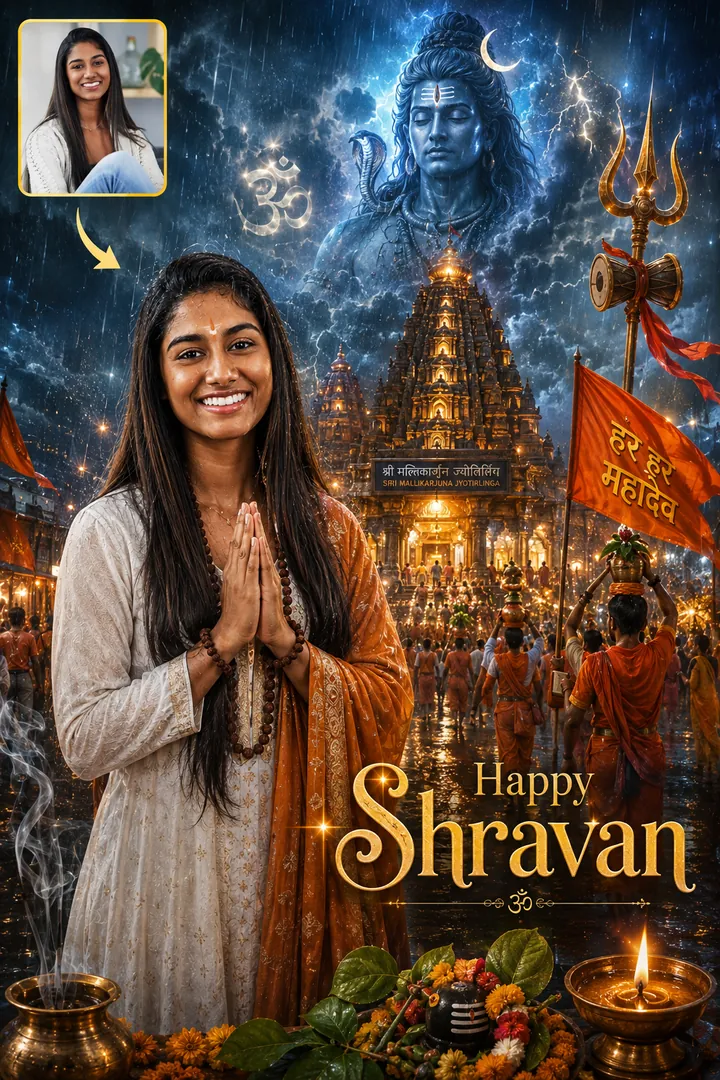
Divine ShravanFestival Collection
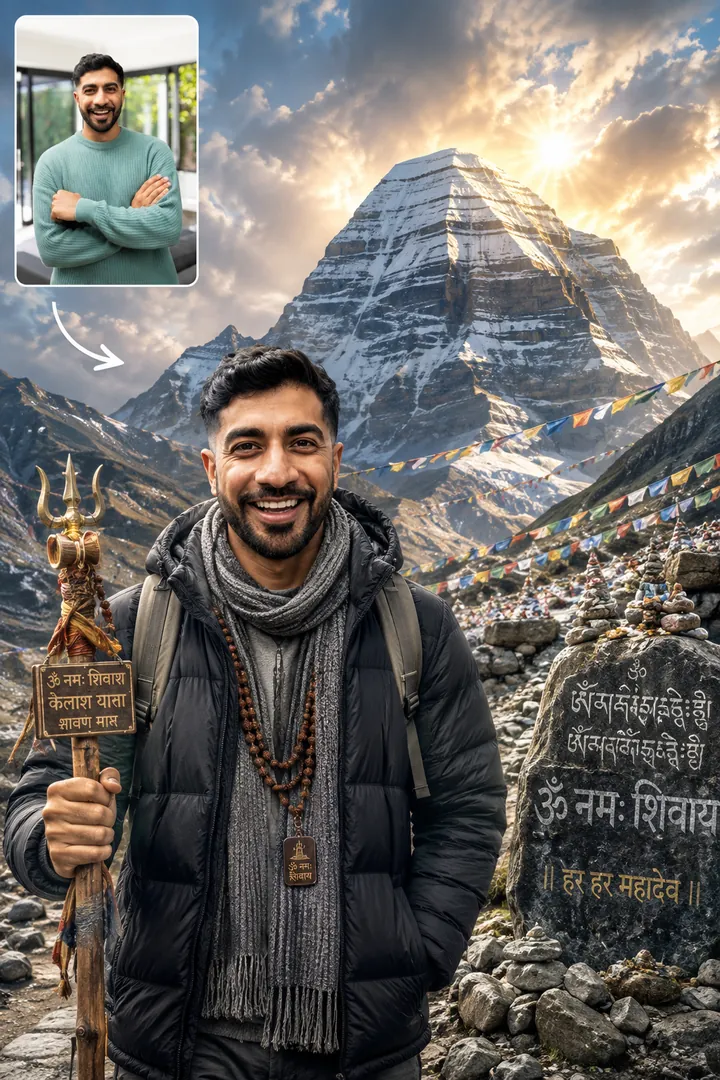
Mount Kailash YatraFestival Collection

Every style here returns a tall 9:16 image, sized to fill a phone screen and works from one photo.
A Kathakali artist in full face beside you, Kasavu whites on and a pookalam laid out at your feet.
An Onam portrait among the pookalam, in Kerala whites, with room for your own greeting.
Options: Pookalam Style, Celebration Scene.
The Sadya laid out on a banana leaf, Kerala whites on and the whole spread in frame.
Options: Sadya Style, Dining Atmosphere.
A portrait made under Lord Shiva's blessing, carrying a message you write yourself.
Options: Blessing Effect, Shiva Presence, Your Message.
Mahabali's arrival, floral decorations laid out, and you among the crowd welcoming him home.
Options: Mahabali Arrival, Festival Atmosphere.
A Kedarnath pilgrimage portrait, the temple behind you and the mountains behind that.
Kerala's Vallam Kali in full flight, with you in the boat and the riverbank roaring.
Options: Boat Race Scene, Crowd Energy.
A Shravan portrait among sacred temples, made in the month set aside for Shiva.
A devotee framed inside Nataraja's ring of fire, mid cosmic dance.
Options: Cosmic Element, Art Style.
Darshan at any of the twelve Jyotirlingas, from Somnath through to Kashi Vishwanath.
Options: Jyotirlinga, Darshan Time.
Carrying the kanwar on the Shravan pilgrimage, shot on the road with the other yatris.
Options: Kanwar Design, Journey Scene.
A Shravan festival poster: temples, ritual, and Mahadev's presence through the whole frame.
Options: Poster Text.
The Kailash pilgrimage under Himalayan skies, photographed on the way up.
Options: Weather, Sky Effect.
Choose a look from the Festival Collection collection above. No editing skill needed.
Add a clear, well-lit selfie. It is used only to make your image and is deleted afterward.
Your AI photo is ready in seconds to download or share anywhere.
Use a clear, well-lit photo showing your full face so the festival lighting falls naturally on it.
Open the Trendy AI Lab app, pick a style from the Festival Collection collection, upload a photo, and the app generates your image in seconds. You can then download or share it.
Use a clear, well-lit photo showing your full face so the festival lighting falls naturally on it.
Yes. The browser image tools are free with no account at all. In the app you earn free credits by watching rewarded ads, or buy credit packs.
The image tools work in any browser, on phone or desktop. The AI trends are in the Android app, with the iOS version coming soon.
Your photo is sent to a third-party AI service only to generate your image, and the upload is deleted afterwards. It is never used for advertising.