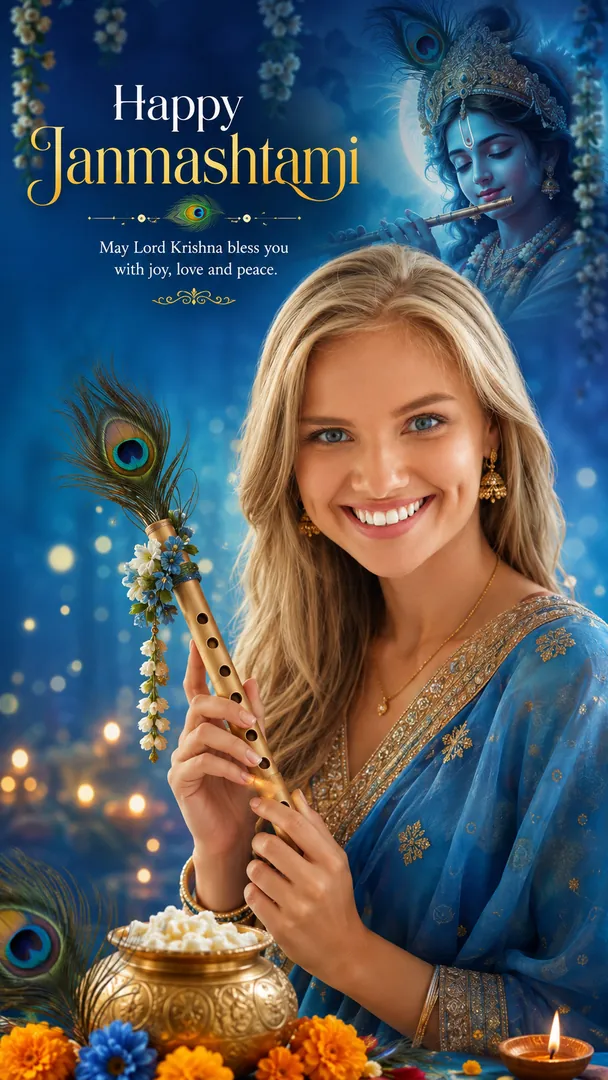
Explore the 9 AI photo styles in the Krishna Janmashtami collection from Trendy AI Lab, including Krishna Janmashtami Wish, Little Krishna Portrait, Radha Rani Look and Dahi Handi Pyramid. Pick a style, upload a selfie, and create a share-worthy AI image in seconds, free with rewarded ads on Android.
The Janmashtami collection turns your photo into festive AI Krishna Janmashtami photos, the Dahi Handi pyramid, midnight temple darshan, decorating the matki, a Little Krishna fancy-dress portrait, a Radha-Krishna couple look and a personalised greeting poster, keeping every face recognisable while the outfit, setting and lamplight are built around you.
Krishna Janmashtami WishKrishna Janmashtami
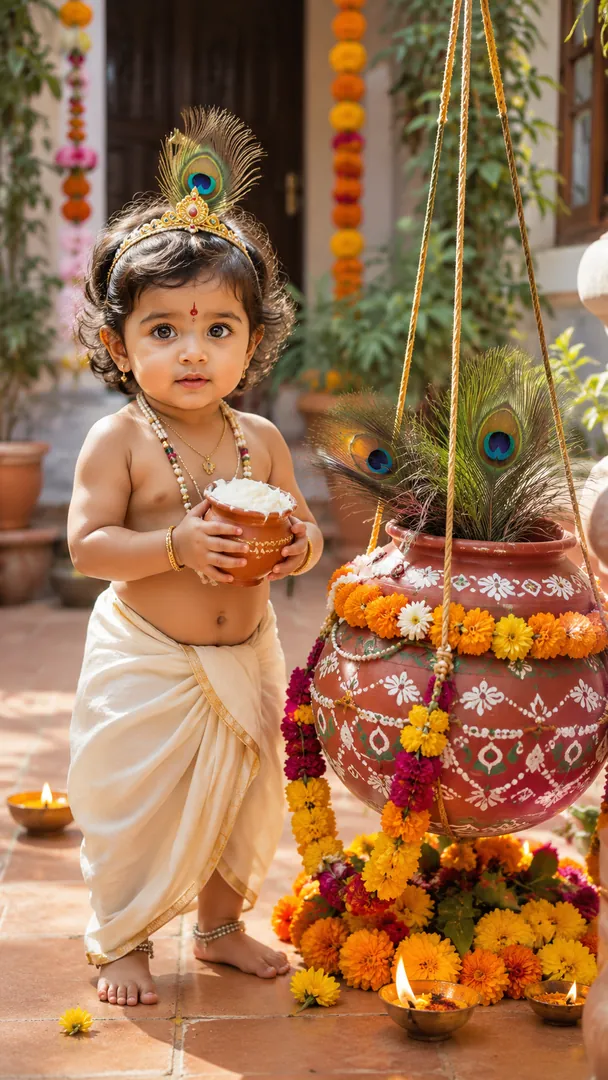
Little Krishna PortraitKrishna Janmashtami
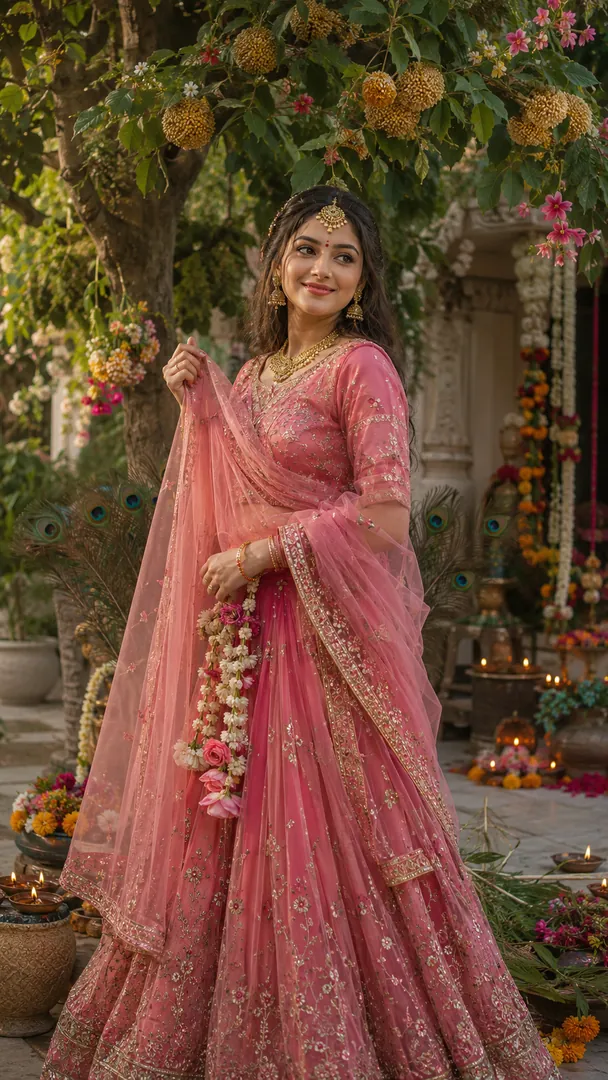
Radha Rani LookKrishna Janmashtami
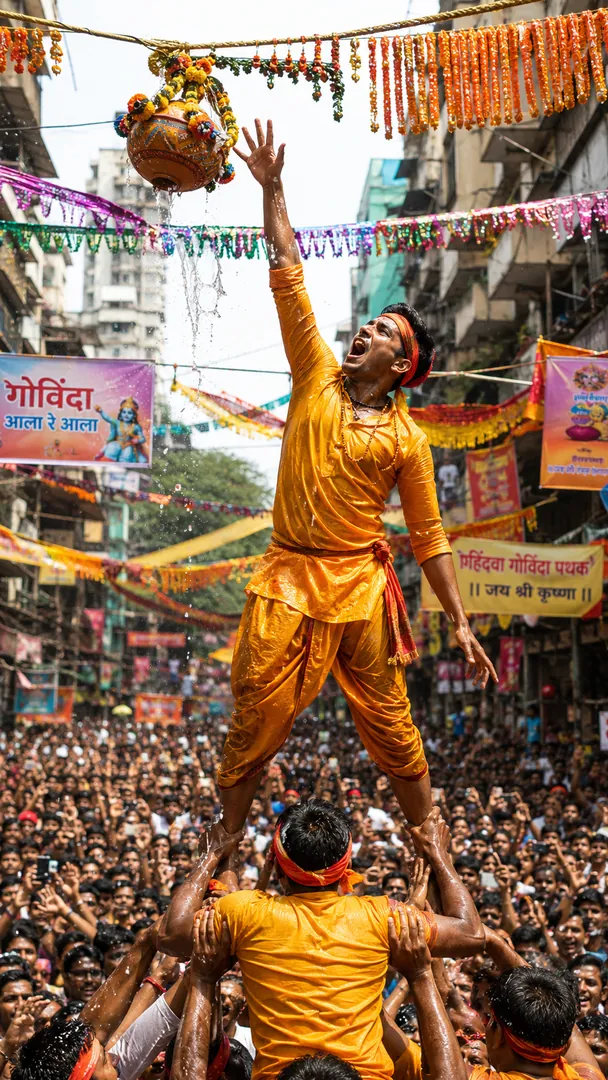
Dahi Handi PyramidKrishna Janmashtami
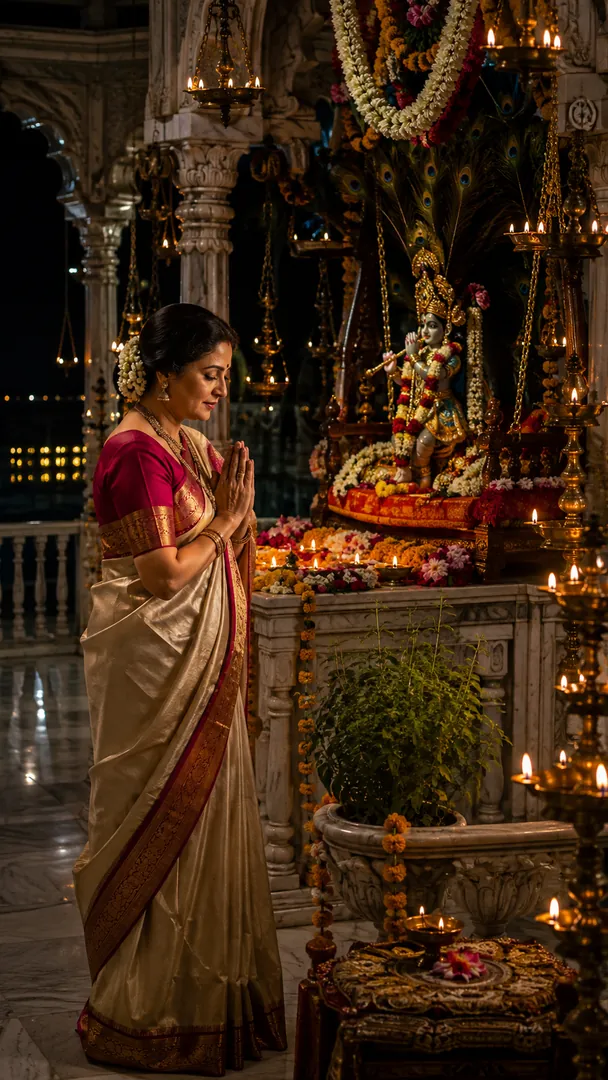
Midnight Temple DarshanKrishna Janmashtami
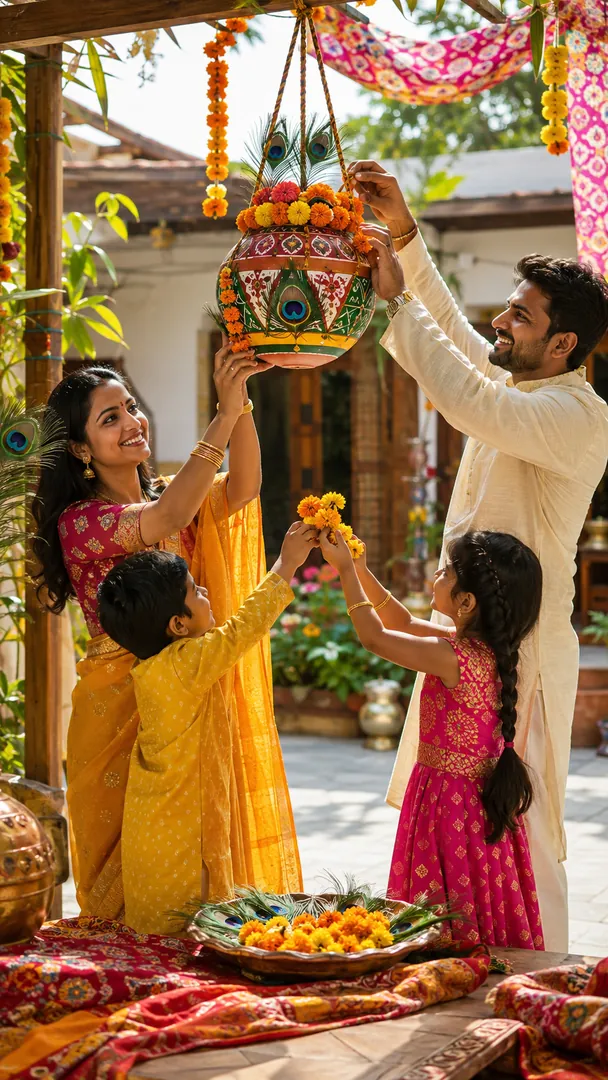
Matki DecorationKrishna Janmashtami
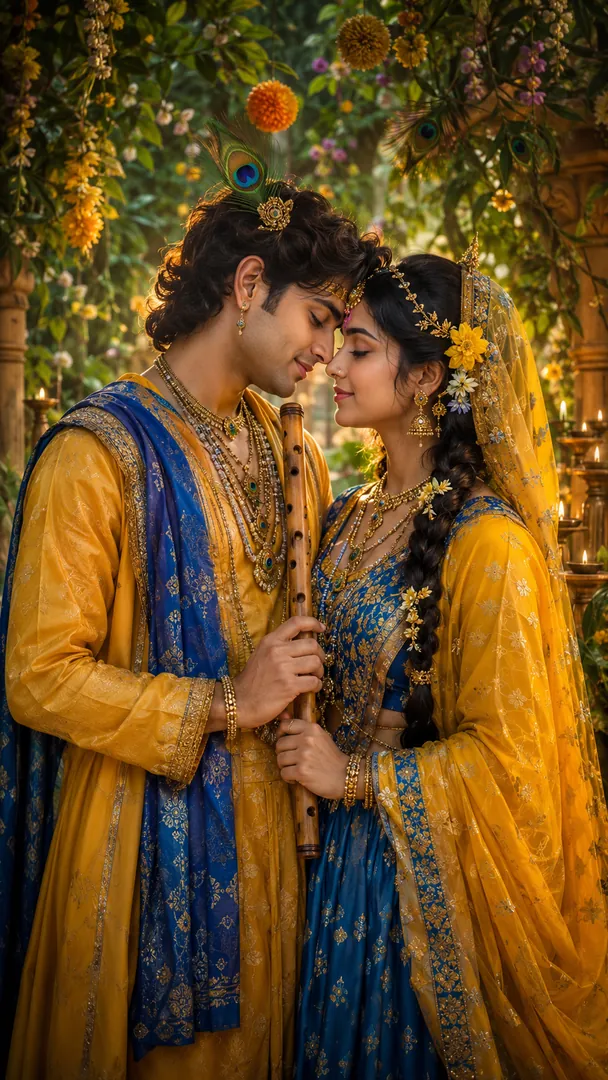
Radha Krishna CoupleKrishna Janmashtami
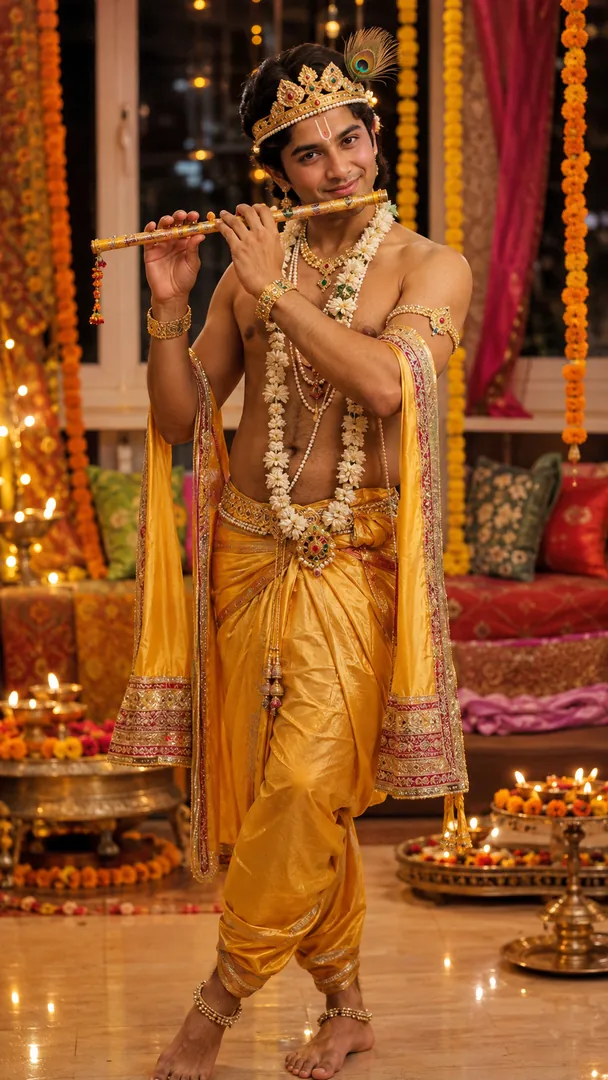
Krishna LookKrishna Janmashtami
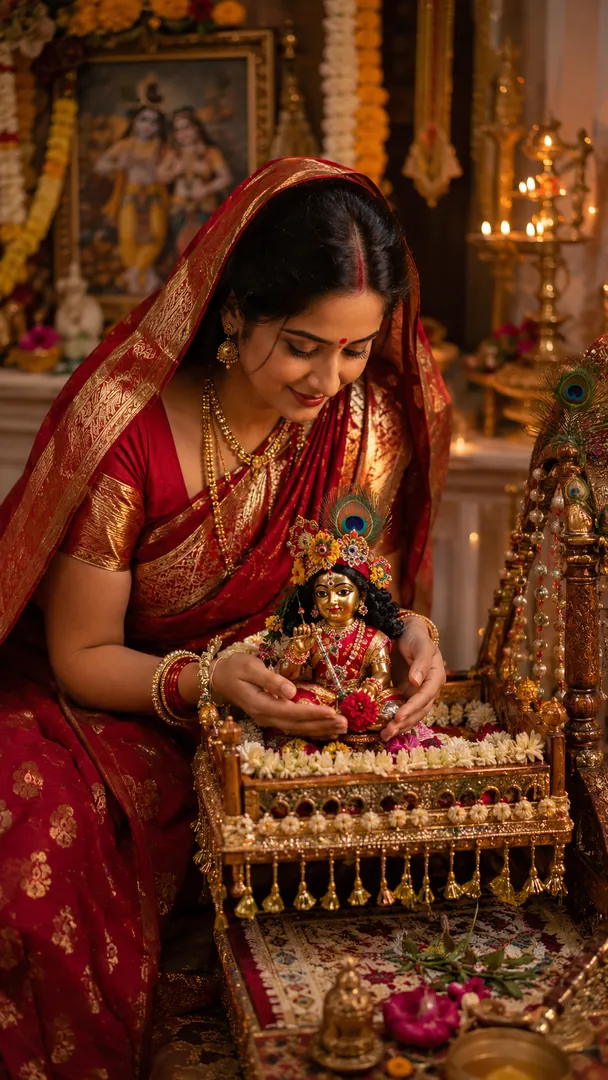
Yashoda & Baby KrishnaKrishna Janmashtami

Every style here returns a tall 9:16 image, sized to fill a phone screen and works from one photo.
A Janmashtami wish with flute and peacock feathers, ready to send on the day.
Options: Greeting message.
The classic Bal Gopal fancy-dress look, done sweetly rather than shiny.
Options: Outfit, Setting, Prop.
A Radha Rani inspired lehenga or saree with the traditional jewellery.
Options: Outfit, Setting, Mood.
Mid-climb in the govinda pyramid, one hand out for the matki.
Options: Outfit, Setting, Greeting.
Midnight darshan at the temple: lamps, flowers and very little noise.
Options: Outfit, Temple setting, Lighting mood.
The family decorating the handi together before the day starts properly.
Options: Matki style, Outfit, Setting.
Radha and Krishna inspired dress in a Vrindavan garden.
Options: Outfit, Setting, Mood.
A Krishna-inspired festive look with peacock-feather mukut and bansuri.
Options: Outfit, Setting, Mood.
A Yashoda-inspired portrait, cradling the adorned Laddu Gopal in his jhula.
Options: Outfit, Setting, Mood.
Choose a look from the Krishna Janmashtami collection above. No editing skill needed.
Add a clear, well-lit selfie. It is used only to make your image and is deleted afterward.
Your AI photo is ready in seconds to download or share anywhere.
Use a clear, front-facing photo in good light so the temple lamplight falls naturally on your face.
Open the Trendy AI Lab app, pick a style from the Krishna Janmashtami collection, upload a photo, and the app generates your image in seconds. You can then download or share it.
Use a clear, front-facing photo in good light so the temple lamplight falls naturally on your face.
Yes. The browser image tools are free with no account at all. In the app you earn free credits by watching rewarded ads, or buy credit packs.
The image tools work in any browser, on phone or desktop. The AI trends are in the Android app, with the iOS version coming soon.
Your photo is sent to a third-party AI service only to generate your image, and the upload is deleted afterwards. It is never used for advertising.