Explore the 5 AI photo styles in the Durga Puja collection from Trendy AI Lab, including Pandal Hopping, Sindoor Khela, Dhunuchi Dance and Red & White Saree Portrait. Pick a style, upload a selfie, and create a share-worthy AI image in seconds, free with rewarded ads on Android.
This is a seasonal collection. Browse the styles here any time, they return in the app for the season. See what's available now.
The Durga Puja collection turns your photo into festive AI Bengali photos, pandal hopping, Sindoor Khela, the Dhunuchi dance, a red-and-white saree portrait and the family Ashtami Anjali, keeping every face recognizable while the saree, jewellery and pandal are styled around you.
Every style here returns a tall 9:16 image, sized to fill a phone screen and works from one photo.
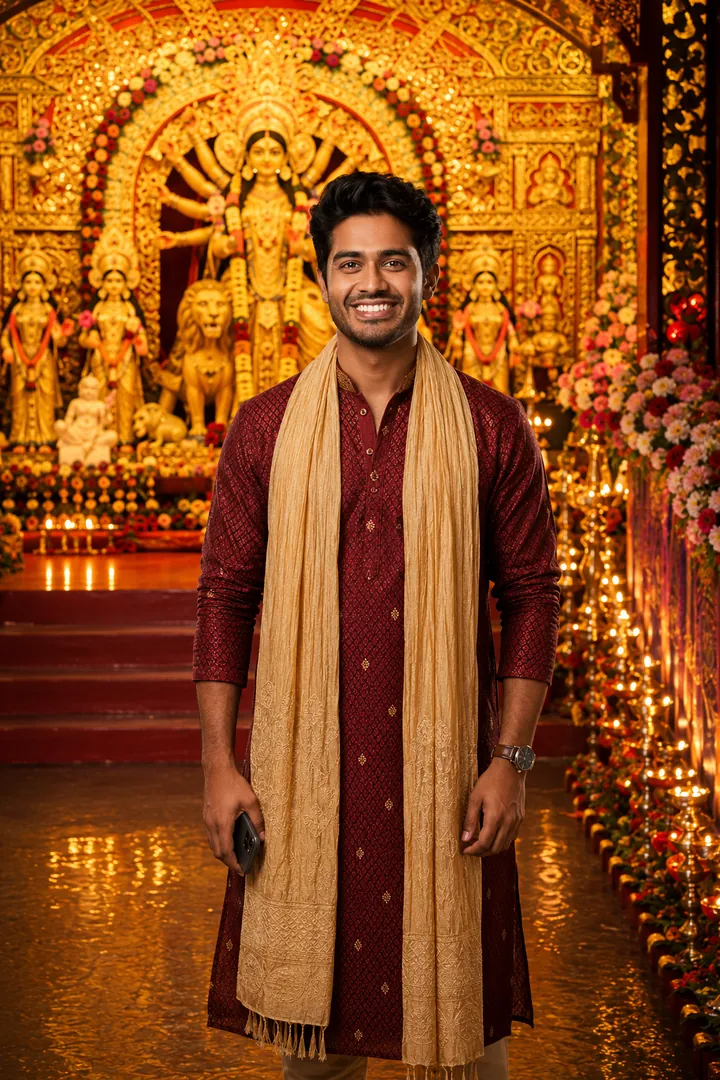
Mid-stroll through the pandals, lights above and the crowd moving with you.
Options: Pandal style, Outfit, Greeting.
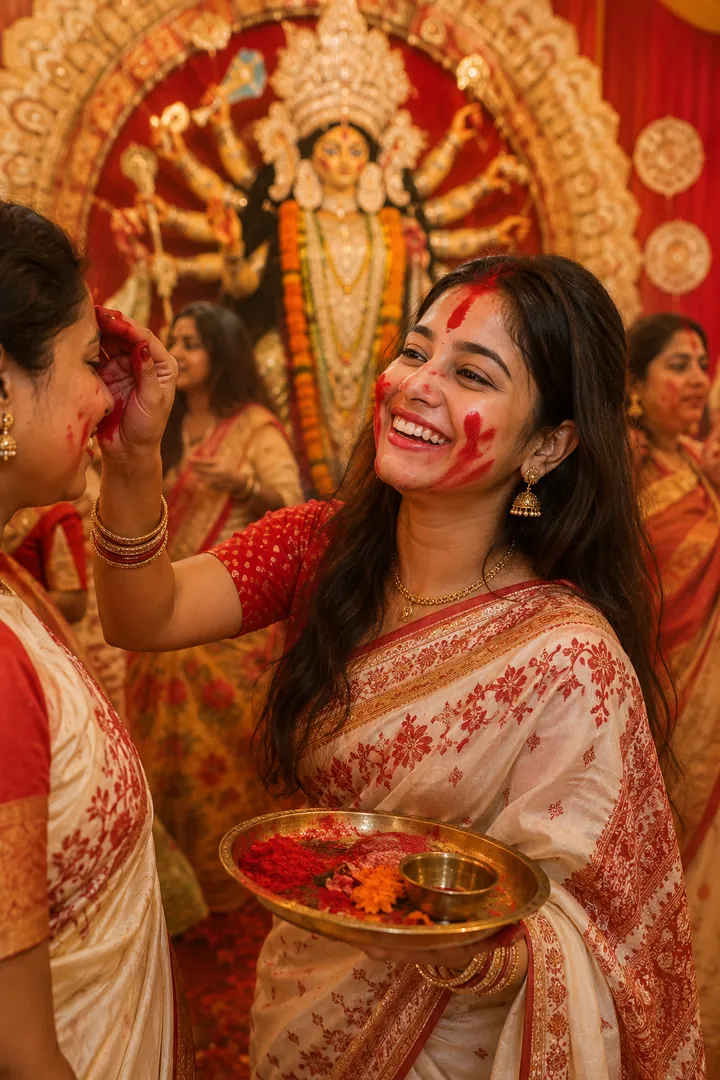
Sindoor Khela in red and white, caught mid-ritual at the pandal.
Options: Saree style, Crowd.
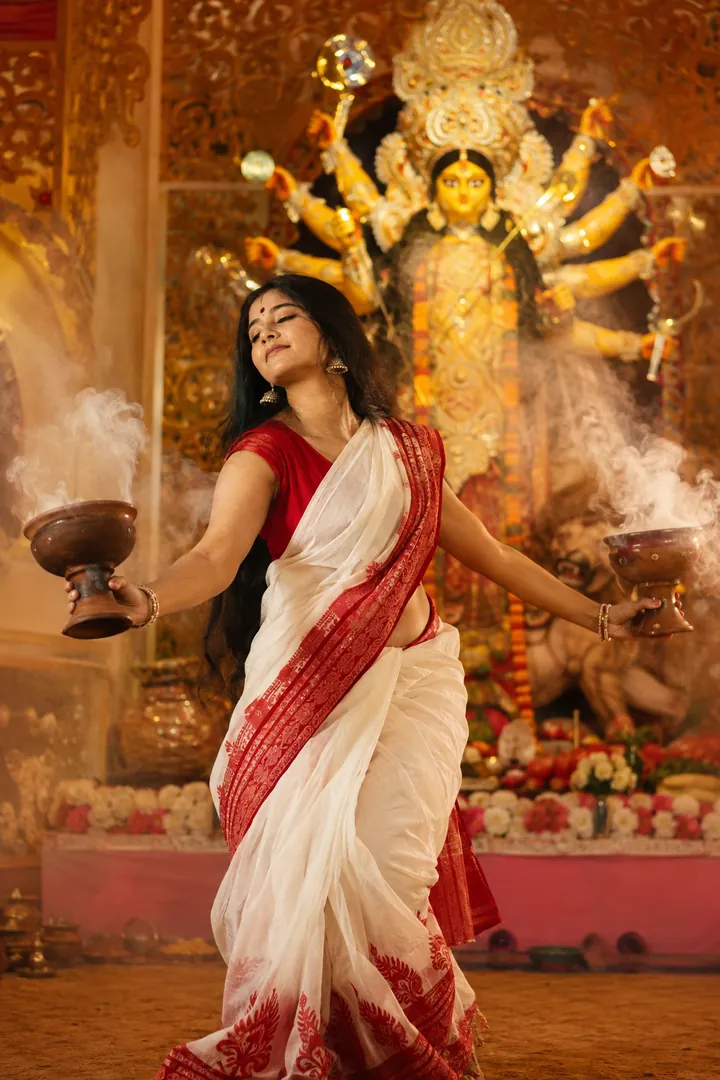
Incense smoke, firelight and the dhak setting the pace of the dance.
Options: Lighting mood, Outfit.
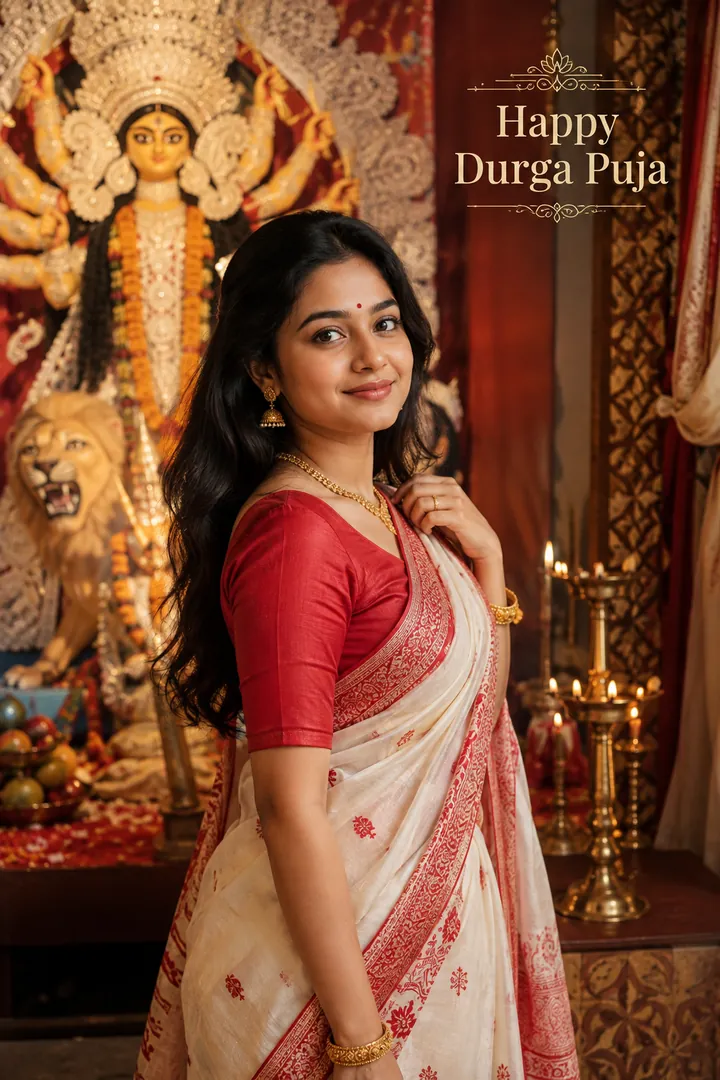
The classic Bengali red-and-white saree, shot as an editorial portrait.
Options: Jewellery, Backdrop, Greeting.
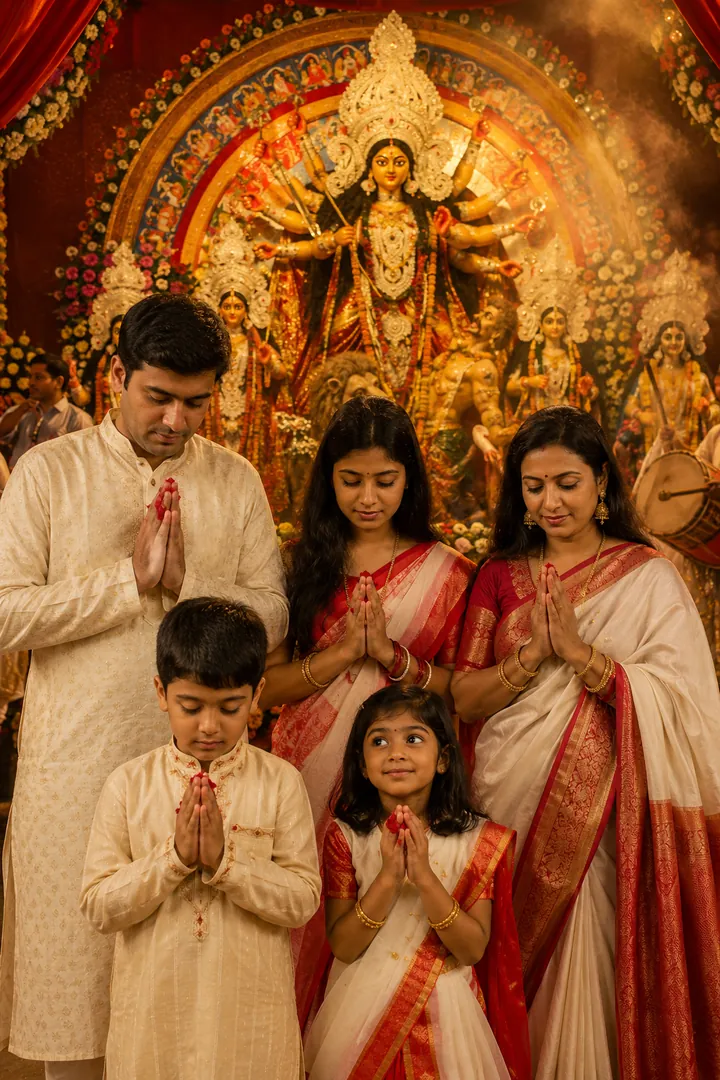
The family in prayer for Ashtami Anjali before the decorated idol.
Options: Outfit, Setting.
Choose a look from the Durga Puja collection above. No editing skill needed.
Add a clear, well-lit selfie. It is used only to make your image and is deleted afterward.
Your AI photo is ready in seconds to download or share anywhere.
Use a clear, well-lit photo showing your full face so the warm pandal lighting and jewellery detail land naturally.
Open the Trendy AI Lab app, pick a style from the Durga Puja collection, upload a photo, and the app generates your image in seconds. You can then download or share it.
Use a clear, well-lit photo showing your full face so the warm pandal lighting and jewellery detail land naturally.
Yes. The browser image tools are free with no account at all. In the app you earn free credits by watching rewarded ads, or buy credit packs.
The image tools work in any browser, on phone or desktop. The AI trends are in the Android app, with the iOS version coming soon.
Your photo is sent to a third-party AI service only to generate your image, and the upload is deleted afterwards. It is never used for advertising.
Get the Trendy AI Lab app and try it free with rewarded ads.

 Coming soon