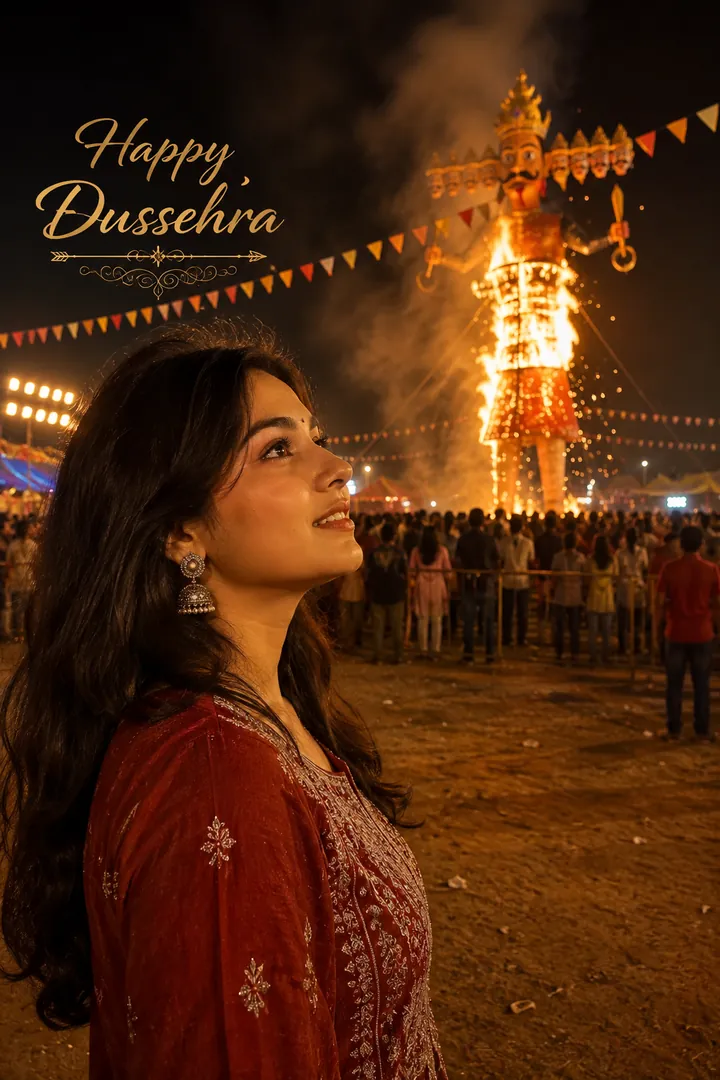
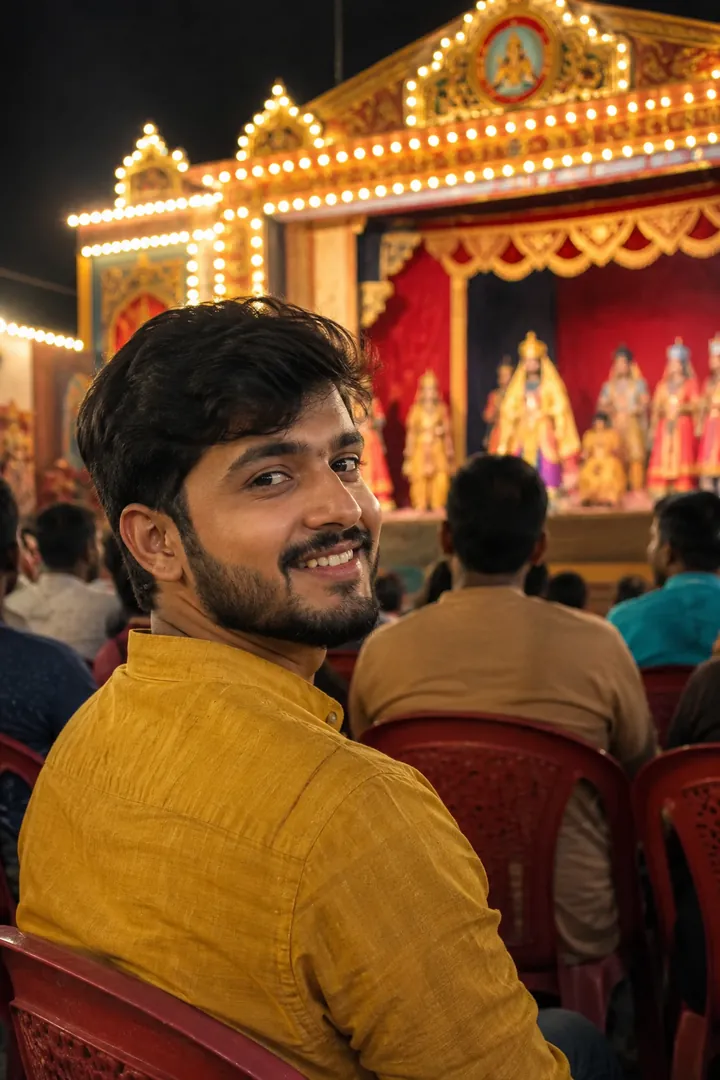
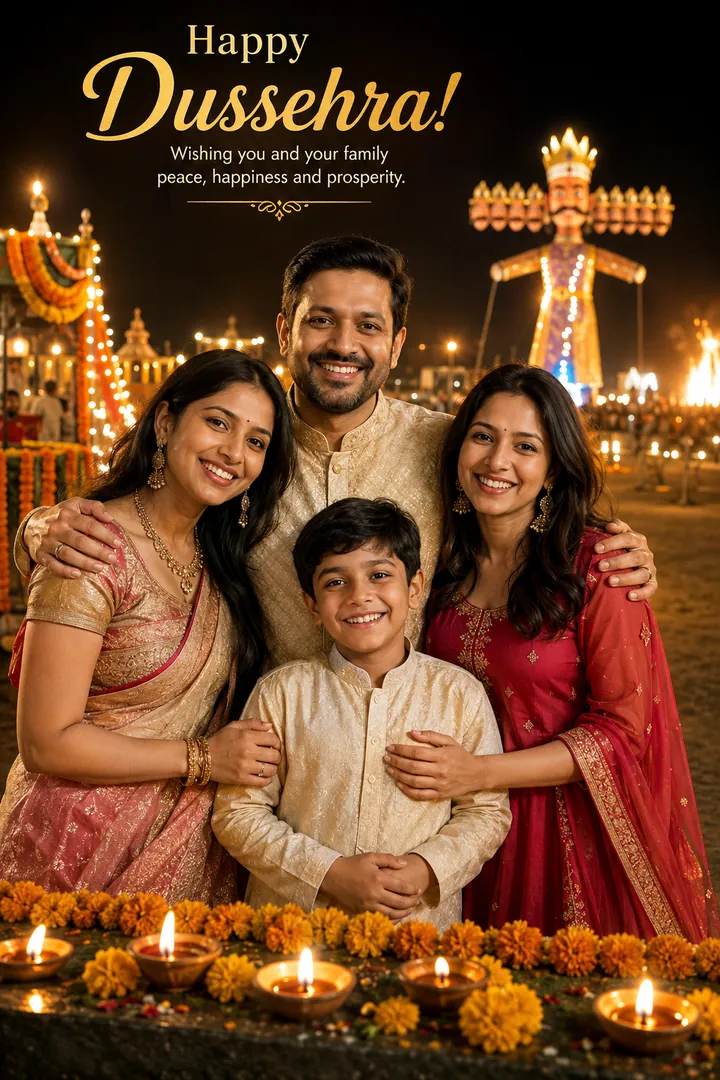
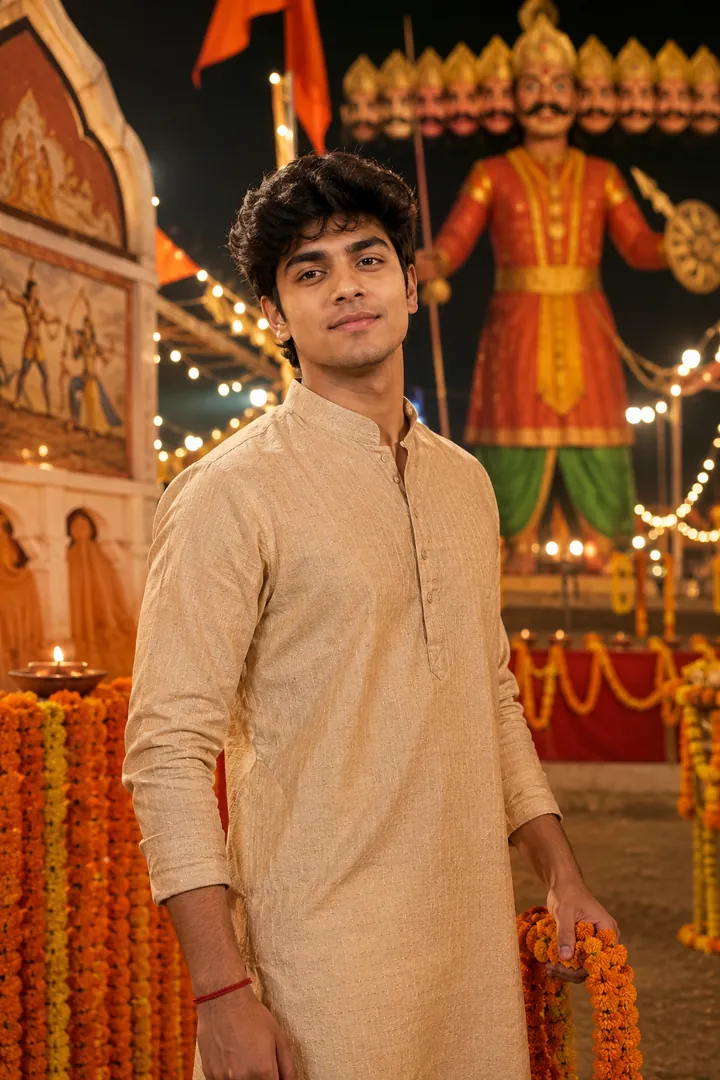
Vijayadashami Blessing
Shami leaves, diyas and the quiet dignity Vijayadashami is meant to carry.

 Coming soon
Shami leaves, diyas and the quiet dignity Vijayadashami is meant to carry.
Coming soon
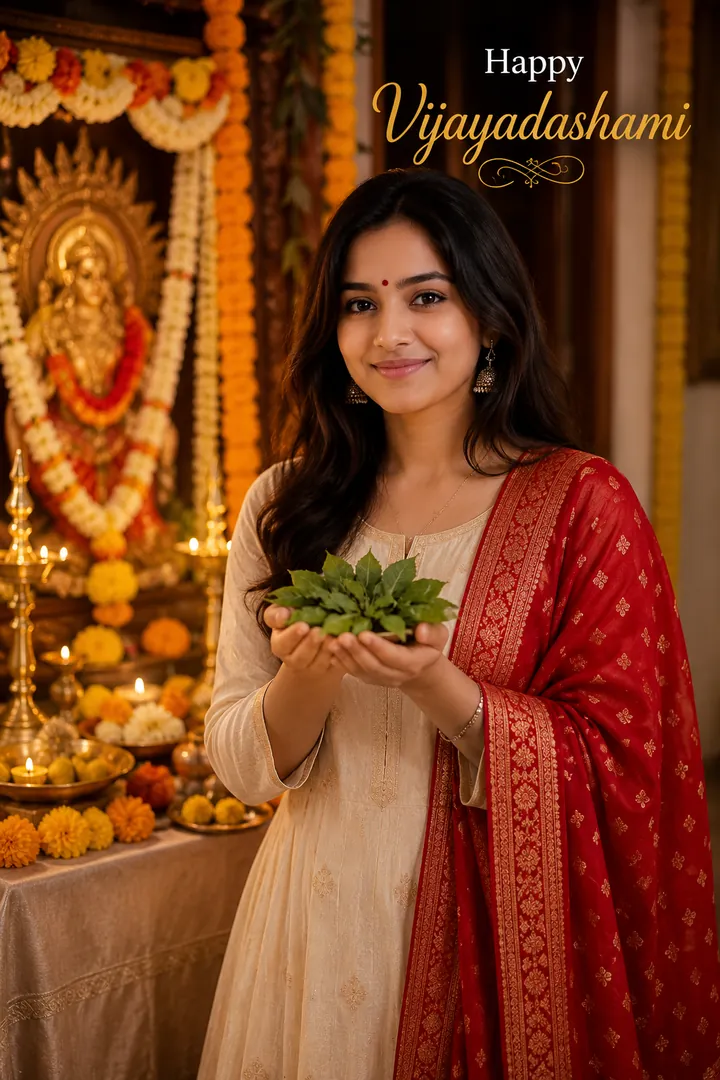
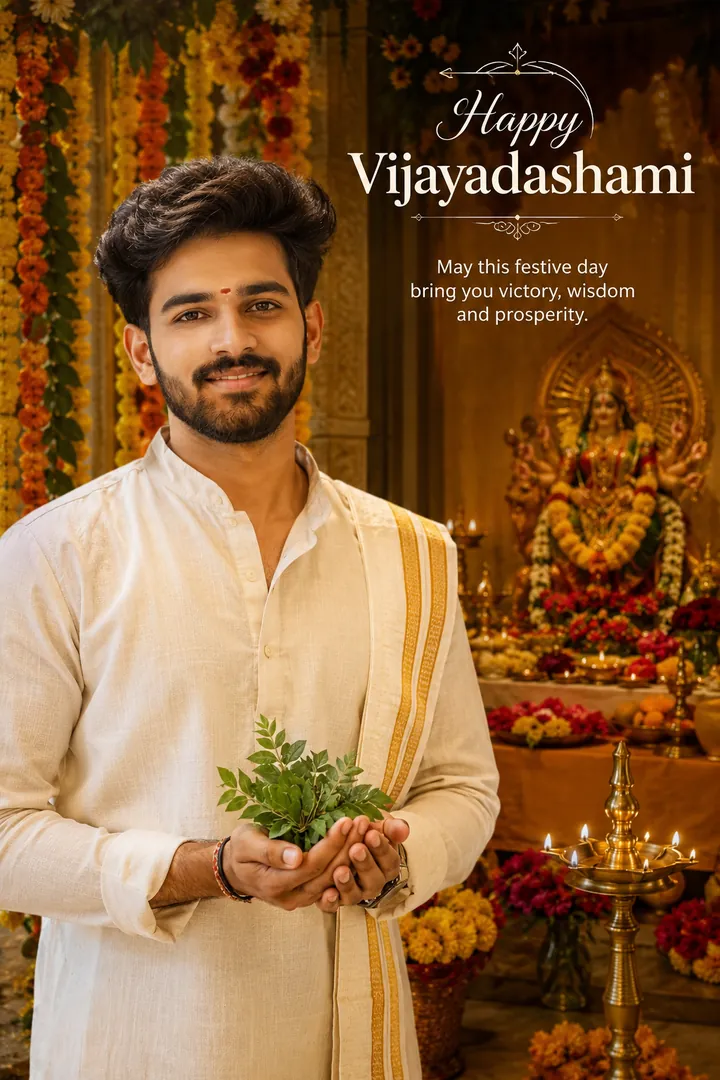
Vijayadashami Blessing is an AI photo effect from the Dussehra collection in the Trendy AI Lab app. Upload a selfie and the AI recreates it in this style in seconds, so you get a polished, share-worthy image with no editing skills needed.
Use a clear, well-lit photo showing your full face so the firelight and festival lighting fall naturally on it.
Vijayadashami Blessing returns a tall 9:16 image, sized to fill a phone screen. It works from one photo and you can set Outfit, Setting and Greeting before generating.
The Dussehra collection turns your photo into festive AI Vijayadashami photos, the Ravana effigy burning at night, a Ram Leela evening, a shami-leaf blessing, a family celebration and a victory portrait, keeping every face recognizable while the outfit, setting and festival light are built around you.
Choose this look in the Trendy AI Lab app, no design skills needed.
Add a photo from your gallery. It's used only to make your image.
Your AI image is ready in seconds, download or share it anywhere.
Open the Trendy AI Lab app, choose the Vijayadashami Blessing style, upload one photo, and the app generates your image in seconds.
Use a clear, well-lit photo showing your full face so the firelight and festival lighting fall naturally on it.
Just one. Vijayadashami Blessing works from a single upload, and you can run it again on a different photo as often as you like.
Yes. Vijayadashami Blessing lets you set Outfit, Setting and Greeting before you generate, so two people running the same style get different results.
The image tools work in any browser, on phone or desktop. The AI trends are in the Android app, with the iOS version coming soon.
Download Trendy AI Lab and create your first AI photo free with rewarded ads.
Coming soon