Explore the 7 AI photo styles in the Eid-ul-Fitr collection from Trendy AI Lab, including Eid Mubarak Portrait, Chand Raat Mehndi, Sheer Khurma Table and Kids Eidi. Pick a style, upload a selfie, and create a share-worthy AI image in seconds, free with rewarded ads on Android.
This is a seasonal collection. Browse the styles here any time, they return in the app for the season. See what's available now.
The Eid-ul-Fitr collection turns your photo into elegant AI Eid photos, an Eid Mubarak portrait, a Chand Raat mehndi close-up, the family sheer khurma table, a kids' Eidi moment and a golden-hour mosque portrait, keeping every face recognizable while the outfit, decor and light are styled around you.
Every style here returns a tall 9:16 image, sized to fill a phone screen and works from one photo.
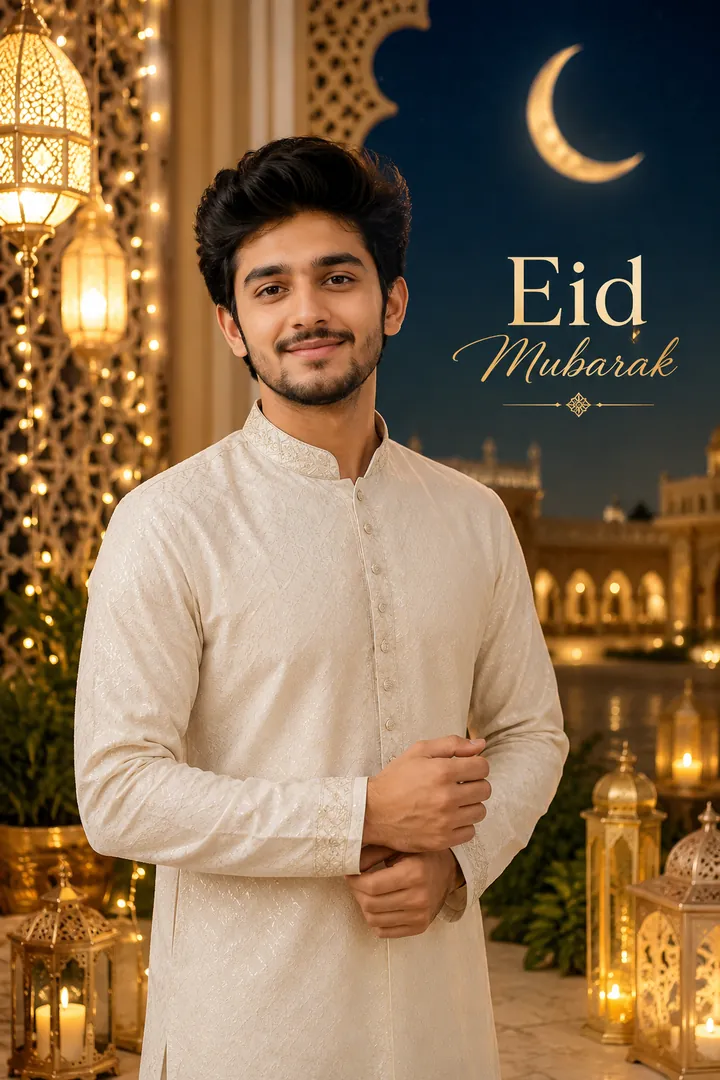
Festive dress and lanterns, with an Eid Mubarak greeting written for you.
Options: Outfit, Backdrop, Greeting.
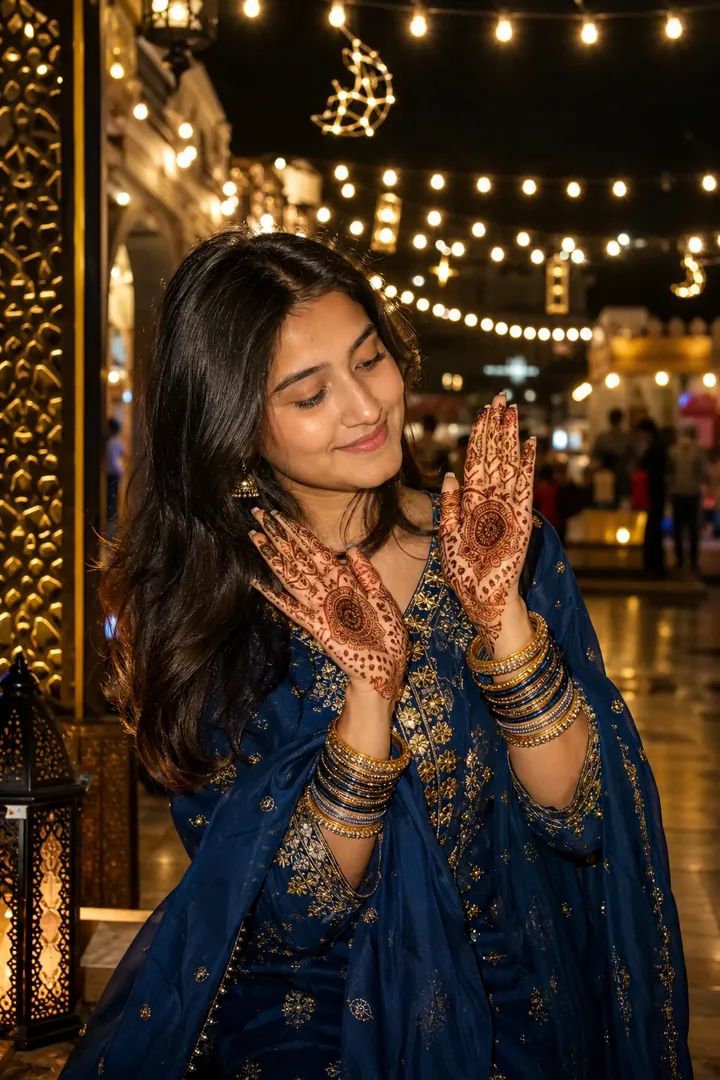
Fresh henna, stacked bangles and Chand Raat lights after dark.
Options: Mehndi design, Bangles.
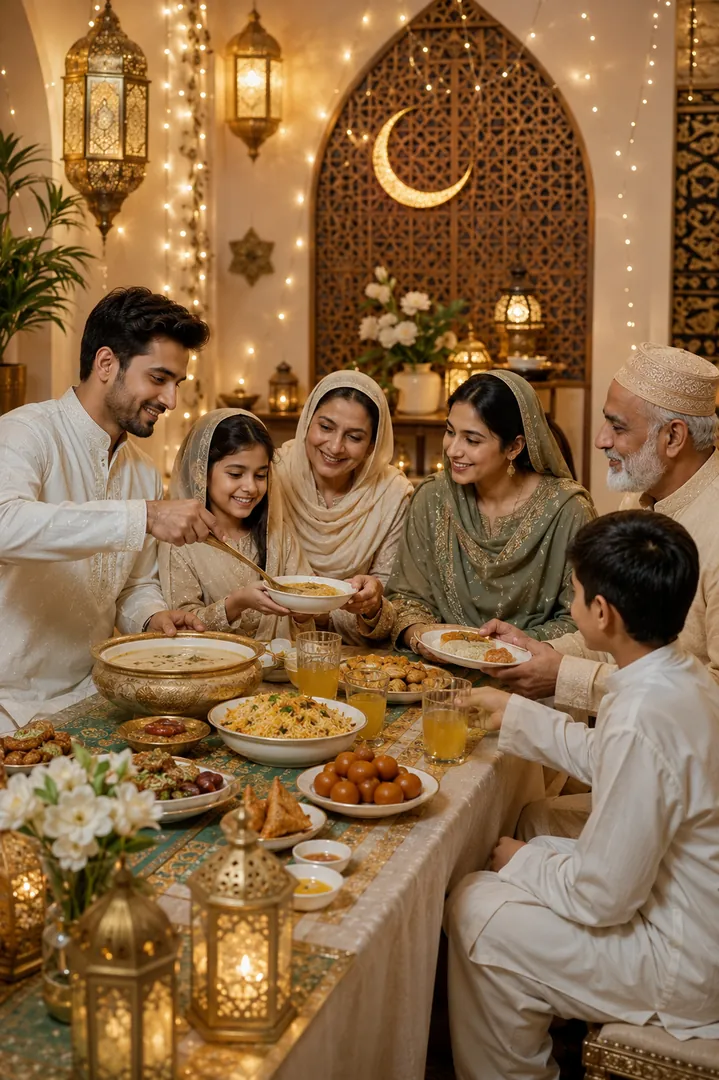
The family round a table of sheer khurma under warm lantern light.
Options: Table spread, Outfit.
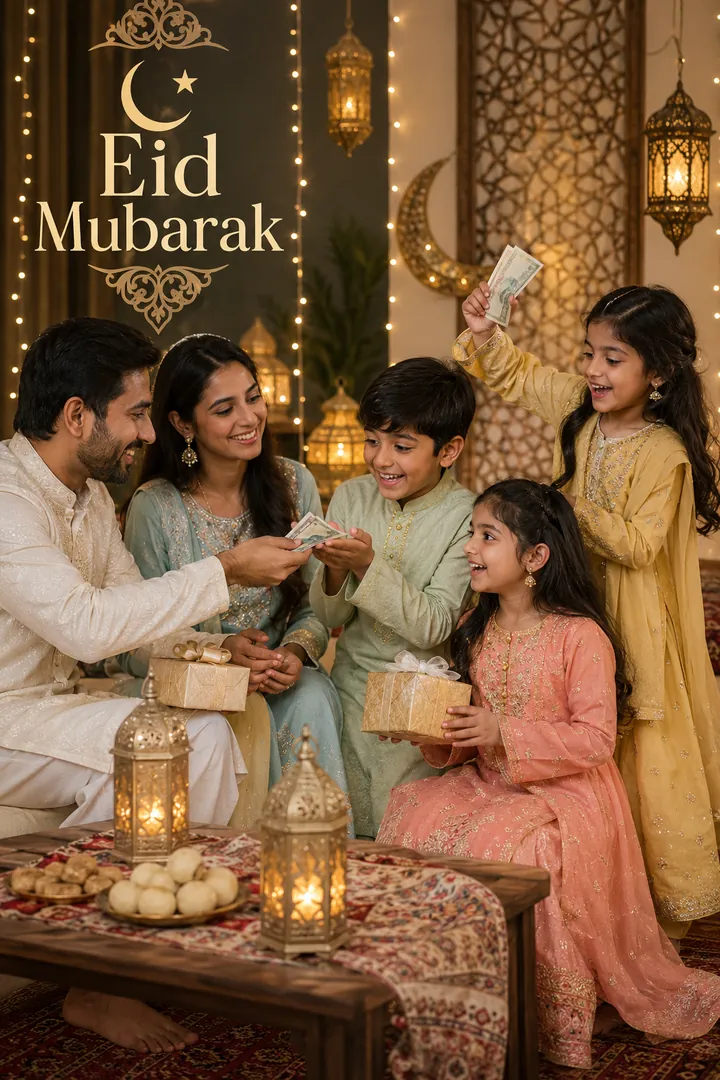
Crisp notes, wrapped gifts and the exact face children make receiving Eidi.
Options: Outfit, Setting, Greeting.
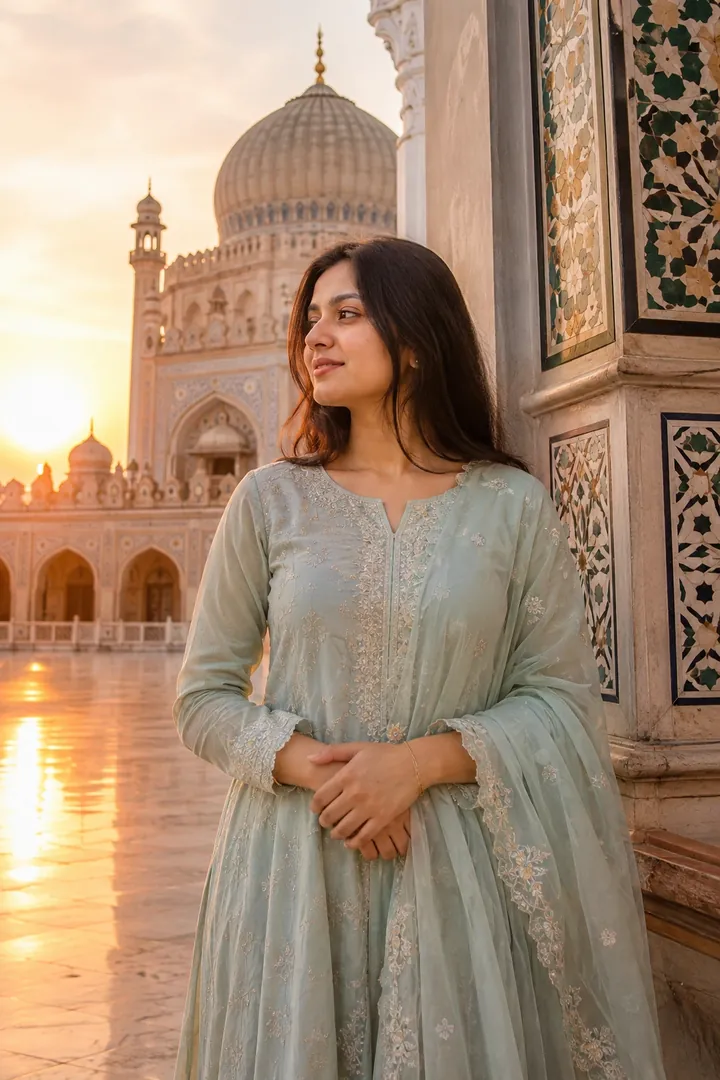
Islamic architecture in soft golden-hour light on the morning of Eid.
Options: Mosque style, Outfit.
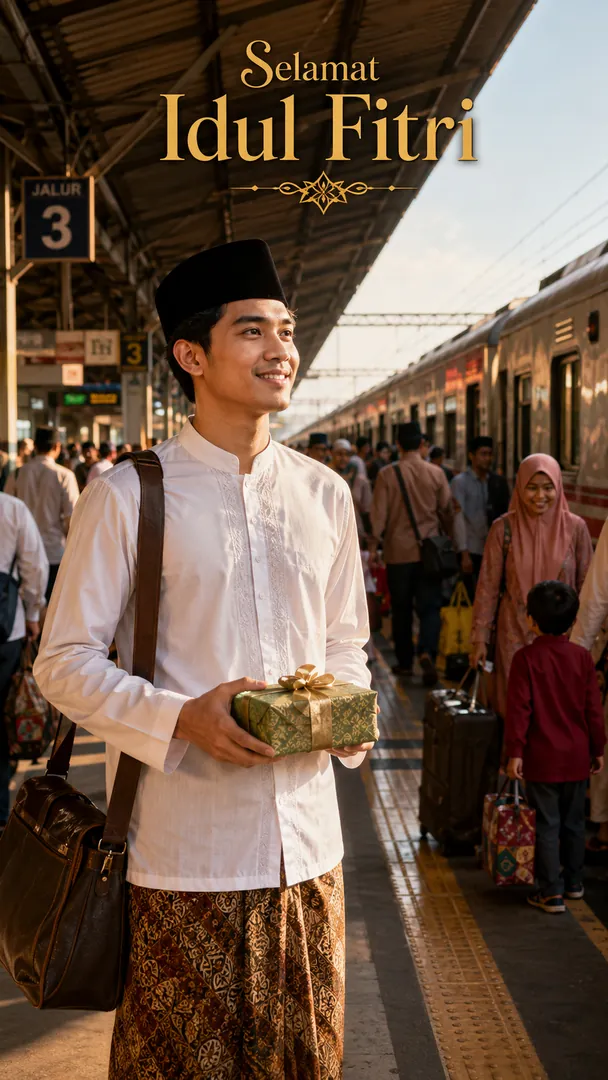
Luggage, gift boxes and the long journey home for Eid.
Options: Setting, Outfit, Greeting.
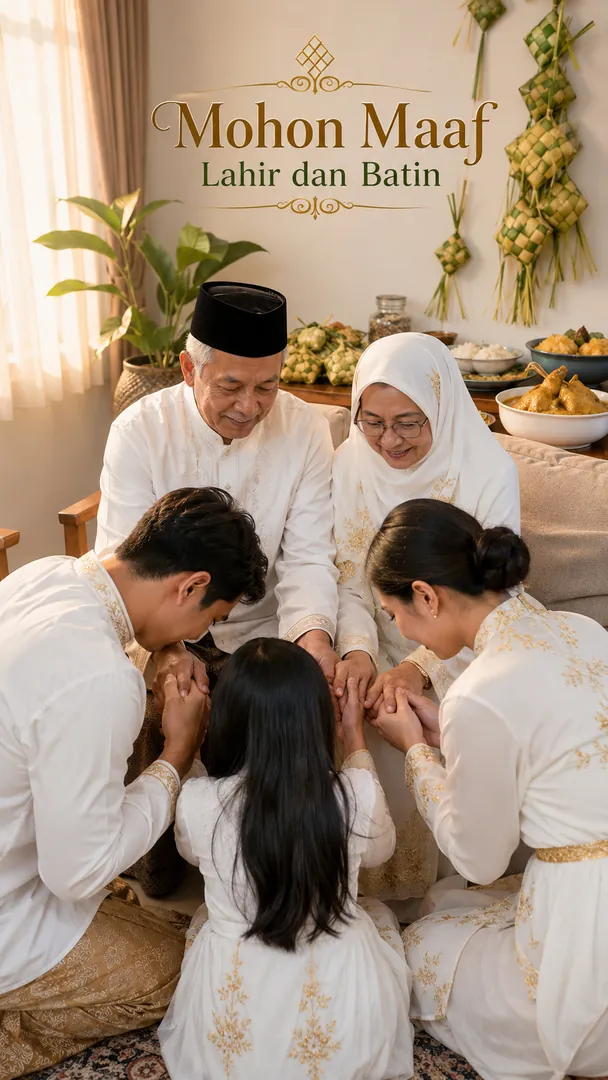
Halal bihalal on Eid morning: the asking of forgiveness, in soft light at home.
Options: Setting, Outfit, Greeting.
Choose a look from the Eid-ul-Fitr collection above. No editing skill needed.
Add a clear, well-lit selfie. It is used only to make your image and is deleted afterward.
Your AI photo is ready in seconds to download or share anywhere.
Use a clear, well-lit photo showing your full face so the lantern light and fabric detail land naturally.
Open the Trendy AI Lab app, pick a style from the Eid-ul-Fitr collection, upload a photo, and the app generates your image in seconds. You can then download or share it.
Use a clear, well-lit photo showing your full face so the lantern light and fabric detail land naturally.
Yes. The browser image tools are free with no account at all. In the app you earn free credits by watching rewarded ads, or buy credit packs.
The image tools work in any browser, on phone or desktop. The AI trends are in the Android app, with the iOS version coming soon.
Your photo is sent to a third-party AI service only to generate your image, and the upload is deleted afterwards. It is never used for advertising.
Get the Trendy AI Lab app and try it free with rewarded ads.

 Coming soon