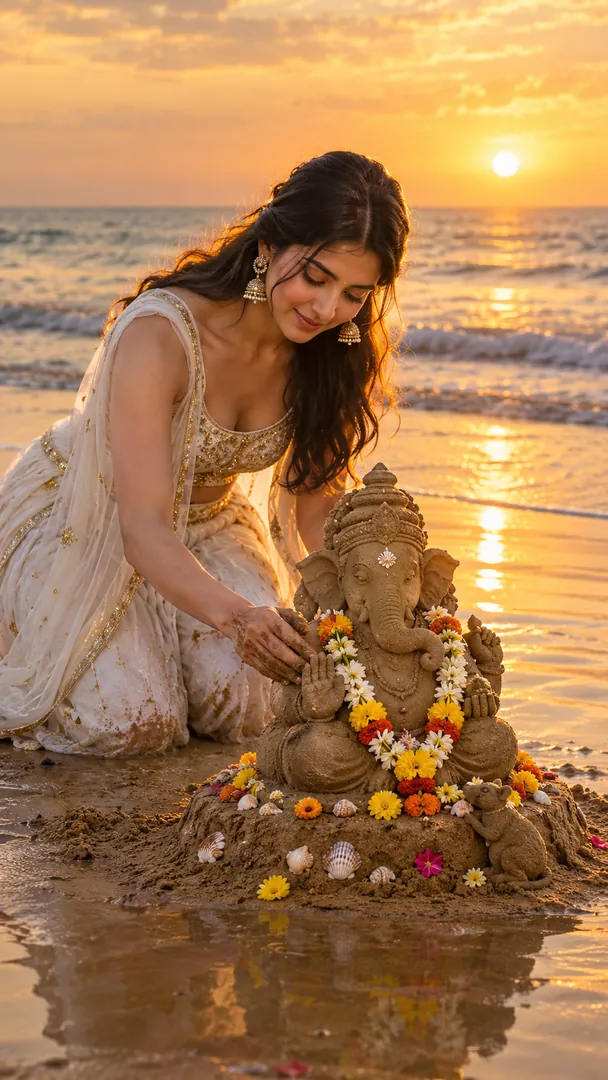
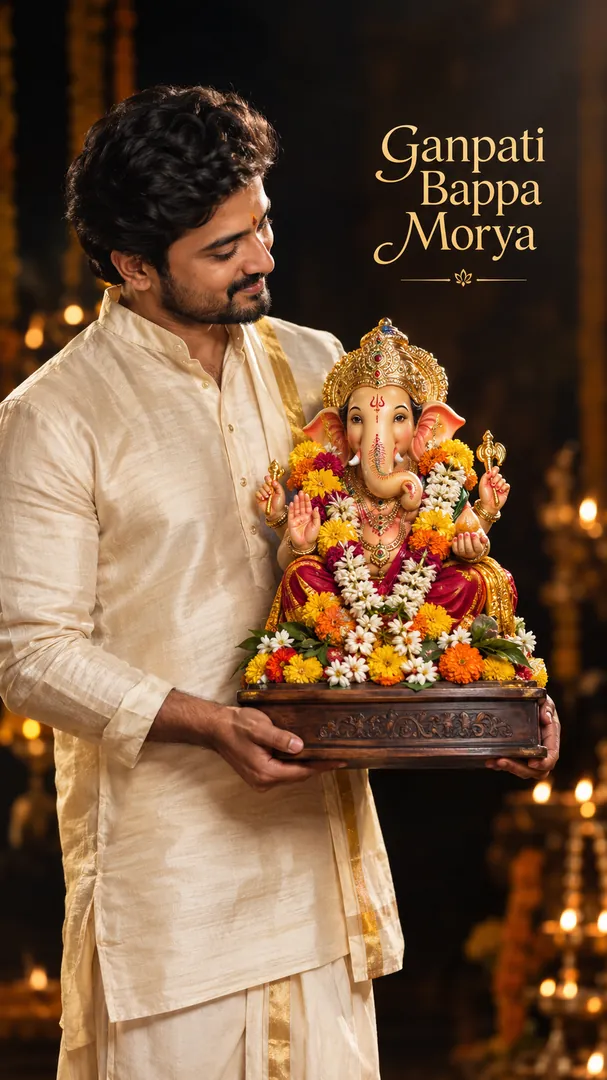
Business Wishing Post
Your logo, your trade and a festive greeting, made as a post for your customers.

 Coming soon
Your logo, your trade and a festive greeting, made as a post for your customers.
Coming soon
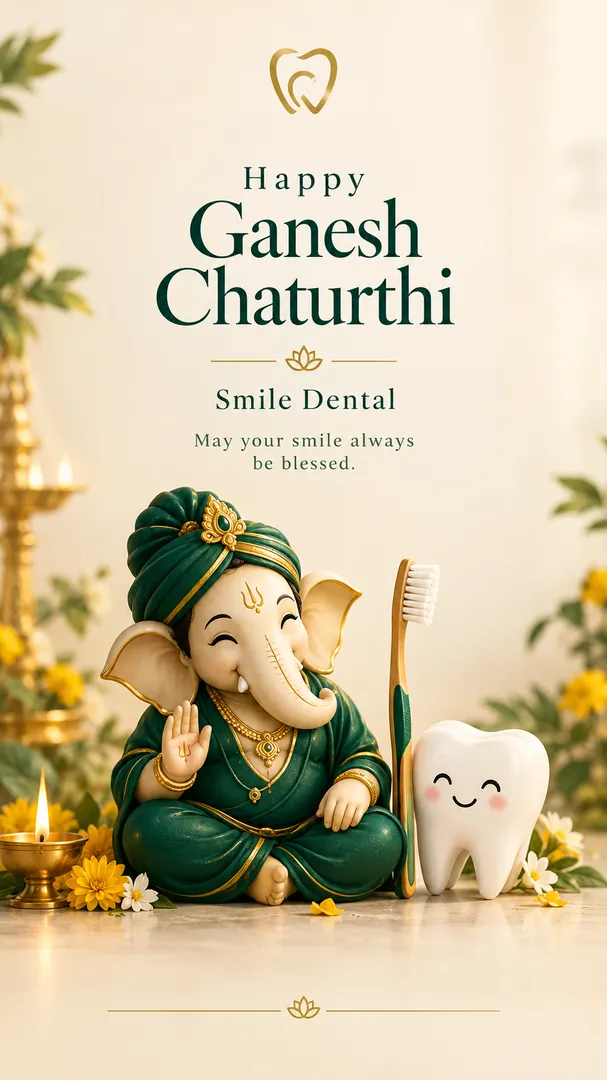
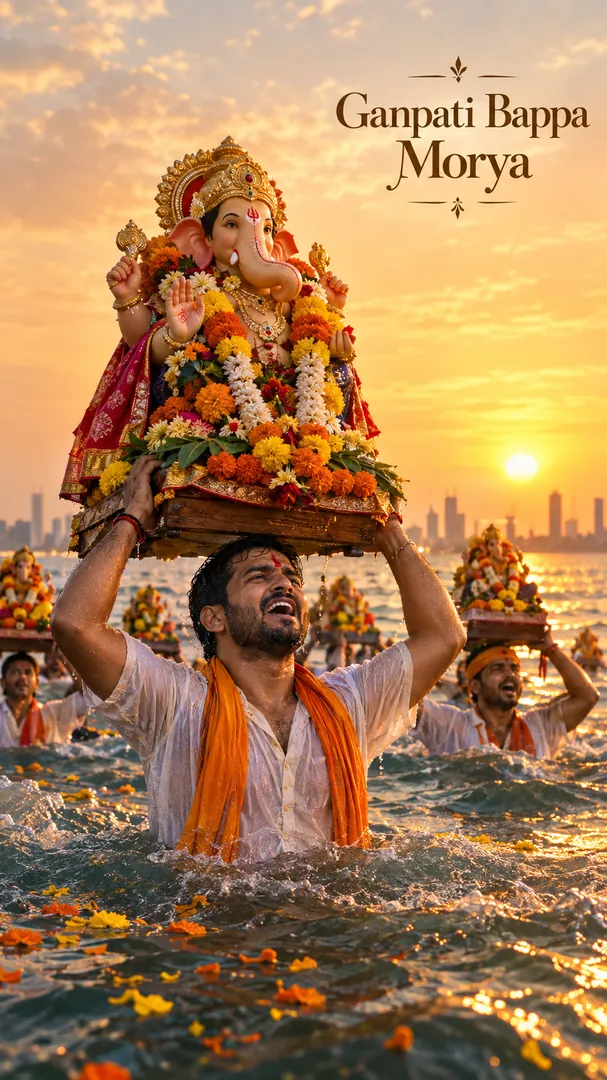
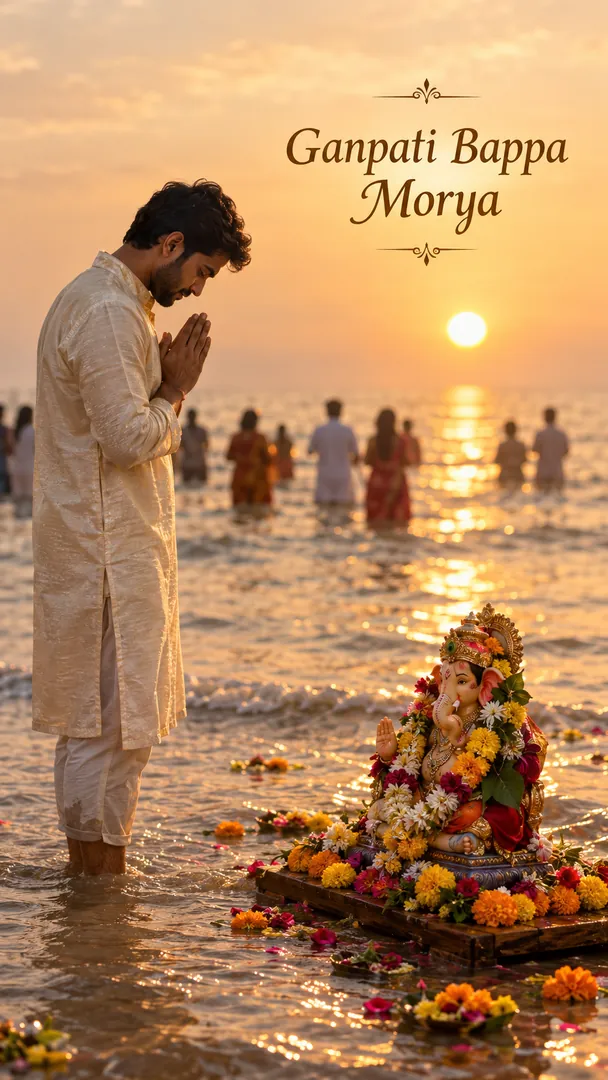
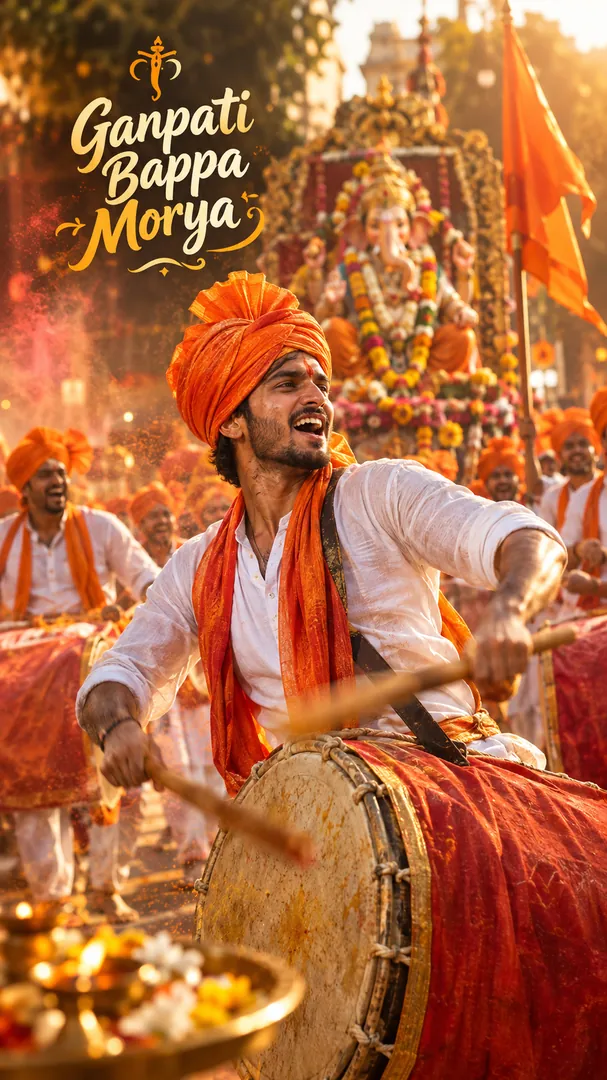
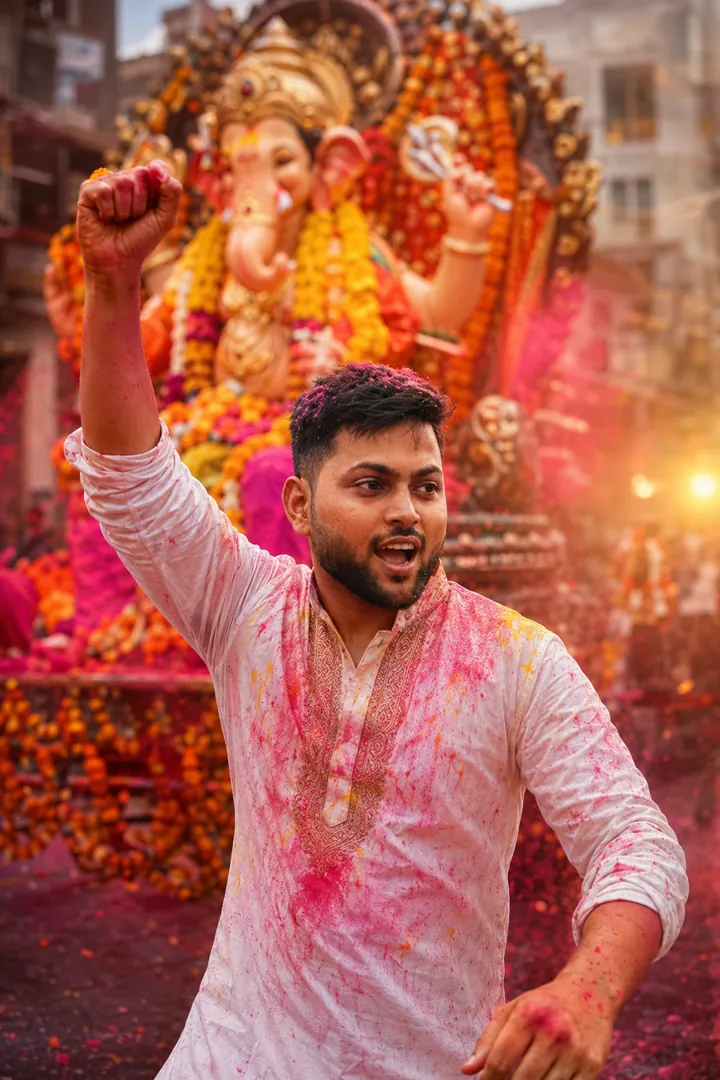
Business Wishing Post is an AI photo effect from the Ganesh Chaturthi collection in the Trendy AI Lab app. Upload a selfie and the AI recreates it in this style in seconds, so you get a polished, share-worthy image with no editing skills needed.
Use a clear, well-lit photo showing your full face so the warm pandal lighting falls naturally on it.
Business Wishing Post returns a tall 9:16 image, sized to fill a phone screen. It works from one photo and you can set Business name, Industry / Business, Layout, Colours and Greeting before generating.
The Ganesh Chaturthi collection turns your photo into a Ganpati celebration with AI, bringing Bappa home on agman day, offering modaks before the murti, family darshan at the pandal, the home aarti, playing in a dhol tasha pathak, making ukadiche modak in the kitchen, a tender Bal Ganesh portrait, Gauri Ganpati haldi-kunku, a gilded evening darshan, an eco-friendly clay murti, a little one's first darshan, the murti artisan at his bench, a portrait holding Bappa himself, a sand Ganesha on the shore, a playful 3D cartoon adventure with Bal Ganesha, and the Visarjan procession, the farewell at the water and the immersion itself, keeping every face recognizable while the outfit, pandal and cinematic lamplight are built around you. Businesses get their own style: upload your logo and get a premium Ganpati wishing post for your customers.
Choose this look in the Trendy AI Lab app, no design skills needed.
Add a photo from your gallery. It's used only to make your image.
Your AI image is ready in seconds, download or share it anywhere.
Open the Trendy AI Lab app, choose the Business Wishing Post style, upload one photo, and the app generates your image in seconds.
Use a clear, well-lit photo showing your full face so the warm pandal lighting falls naturally on it.
Just one. Business Wishing Post works from a single upload, and you can run it again on a different photo as often as you like.
Yes. Business Wishing Post lets you set Business name, Industry / Business and Layout before you generate, so two people running the same style get different results.
Yes. The browser image tools are free with no account at all. In the app you earn free credits by watching rewarded ads, or buy credit packs.
Download Trendy AI Lab and create your first AI photo free with rewarded ads.
Coming soon