Why Indonesia travel portraits feel so real
A great travel photo is not just a pretty backdrop; it is you, standing in a place, with the light of that place on your face. Trendy AI Lab builds exactly that from a single selfie, composing each image like real travel photography rather than pasting a cut-out onto a postcard. You do not need a plane ticket, a guide, or a camera. You pick a destination style, add a photo, and the scene comes together in seconds.
A closer look at the styles
The collection spans some of Indonesia's most photographed landscapes, each rendered as its own considered shot. The Ubud rice terraces give lush, layered green and soft daylight. A Raja Ampat karst viewpoint opens onto scattered islands and bright water from a high vantage. Sunrise over Bromo's sea of sand delivers that famous misty, otherworldly morning, and the Padar Island ridge offers the dramatic, sweeping bay view that draws so many hikers.
Alongside the wild scenery there are city and heritage looks. A Borobudur-at-first-light scene sets a calm, golden mood around a great stone temple. Jakarta street style leans modern and urban, while Yogyakarta street life brings warmer, more textured city character. Because each style matches the landscape light to your face, the result reads as one continuous photograph, not two images stitched together. Many styles let you shape the shot, so you can choose the viewpoint, the light from a misty morning to blue hour, and the outfit to suit the setting.
Your face stays clearly recognisable in every scene, and the artwork is original and brand-neutral, evoking the feel of these regions without copying any specific viewpoint or real person.
Ideas and occasions
These portraits are made for sharing. A Bromo sunrise or Raja Ampat viewpoint makes a striking status update or story post, and a calm Borobudur scene makes a serene, standout profile picture. They are a fun way to picture a trip you are planning, to mark a place you have visited, or simply to add some wanderlust to your feed. Build a small set across several destinations and post them like a travel diary, or send a favorite to a friend who loves to travel. A printed shot of a scene you love makes a nice desk frame, and the city-street looks work well as a fresh, modern portrait for any profile.
Getting the best result
- Use a clear, well-lit photo of your full face. The landscape light is matched to your face, so a sharp, evenly lit selfie is what makes the shot look like a single photograph.
- Frame yourself with a little room around your head and shoulders, so the composition has space to place you naturally within the scenery.
- Try a few destinations from the same photo. The green calm of the rice terraces and the dramatic Padar ridge give completely different feelings, and each suits a different post.
- Where the style allows, experiment with the light and viewpoint. A misty morning and a blue-hour version of the same place can both be worth keeping.
- If a first result is not quite right, generate again. A second attempt often improves how you sit within the landscape.
Common questions
Do these show the real, exact locations? No. Each scene is an original, generic landscape created by AI in the spirit of these regions. It captures the mood of a place without copying any specific viewpoint or real photograph.
Will it look like a real travel photo of me? That is the goal. The style matches the scene's light to your face and composes the frame like real travel photography, so it reads as one shot rather than a paste-up. Keeping your pose relaxed and your photo clear helps the effect.
Is my photo safe? Yes. Your selfie is used only to generate your images and is deleted afterward, and it is never used for advertising.
Ready to pack your feed? It is free to start on Android with a short rewarded ad, so pick a destination and make your travel shot.
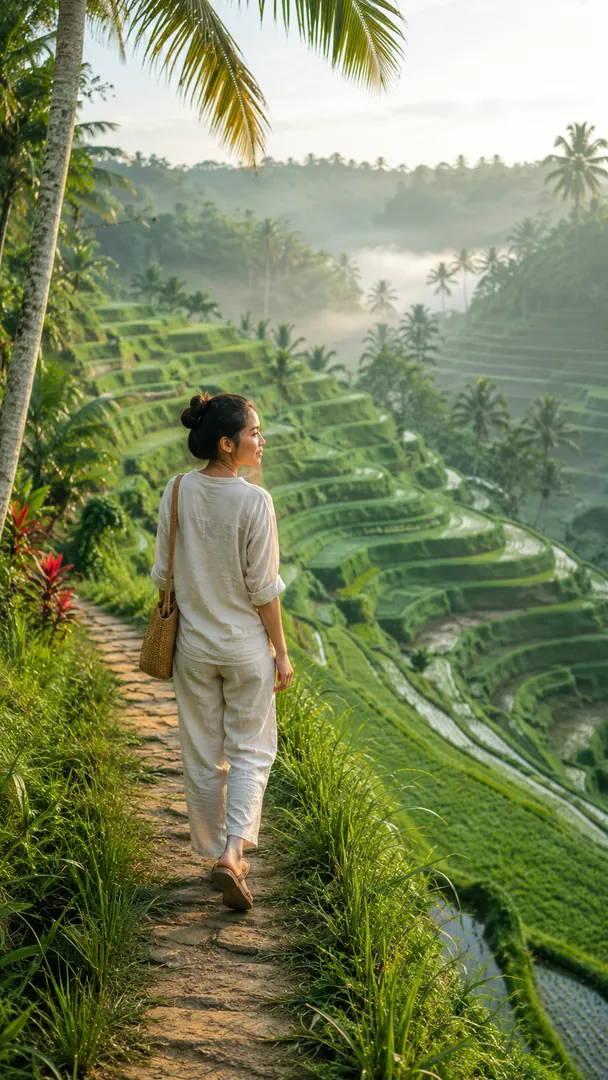 Ubud Rice TerracesIndonesian Destinations
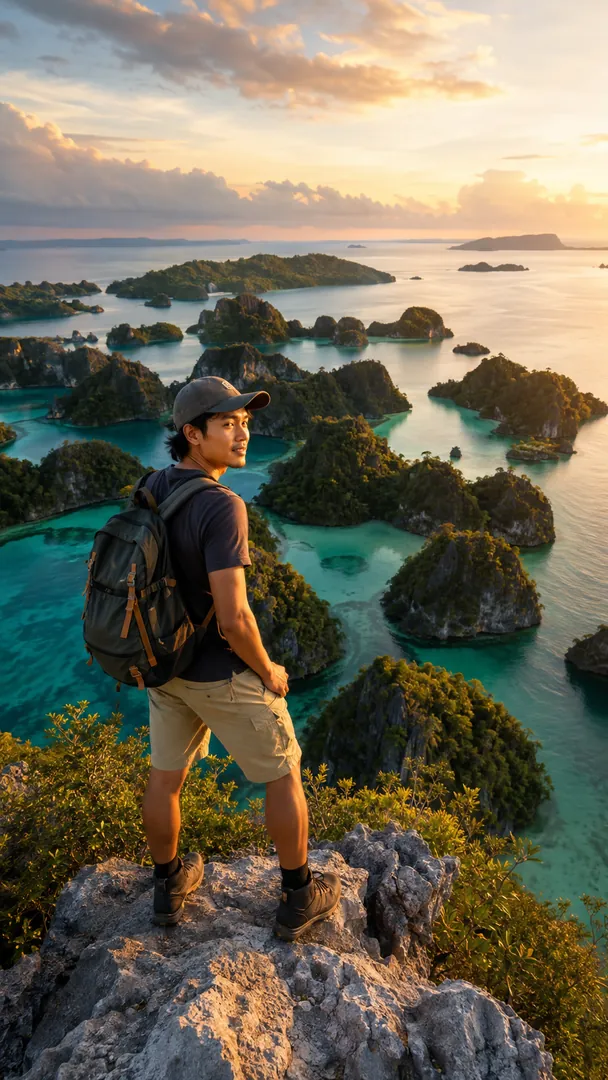 Raja Ampat ExplorerIndonesian Destinations
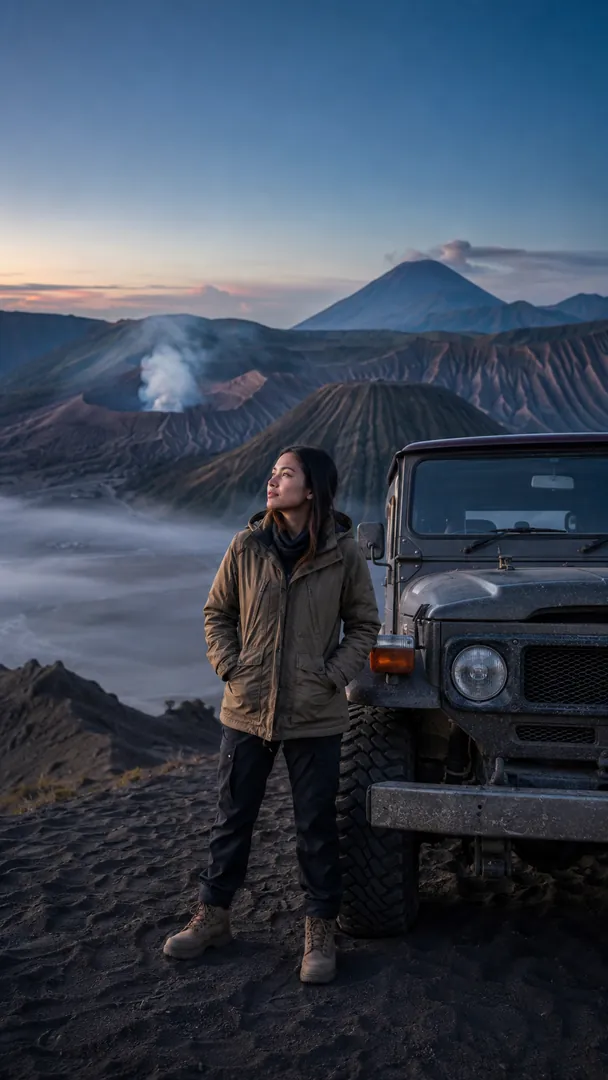 Bromo Sunrise AdventureIndonesian Destinations
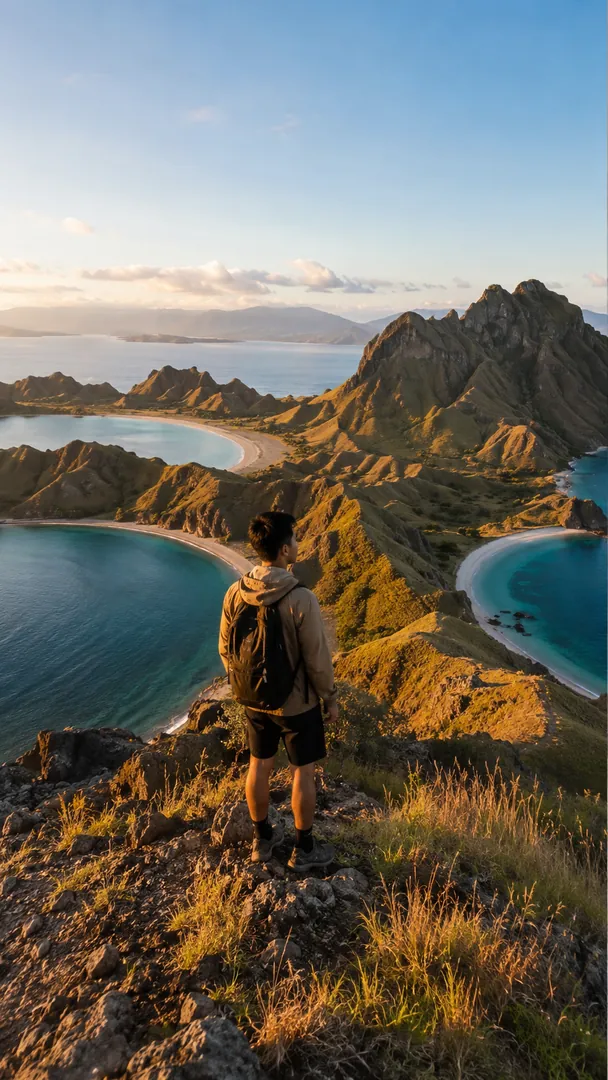 Padar Island HikeIndonesian Destinations
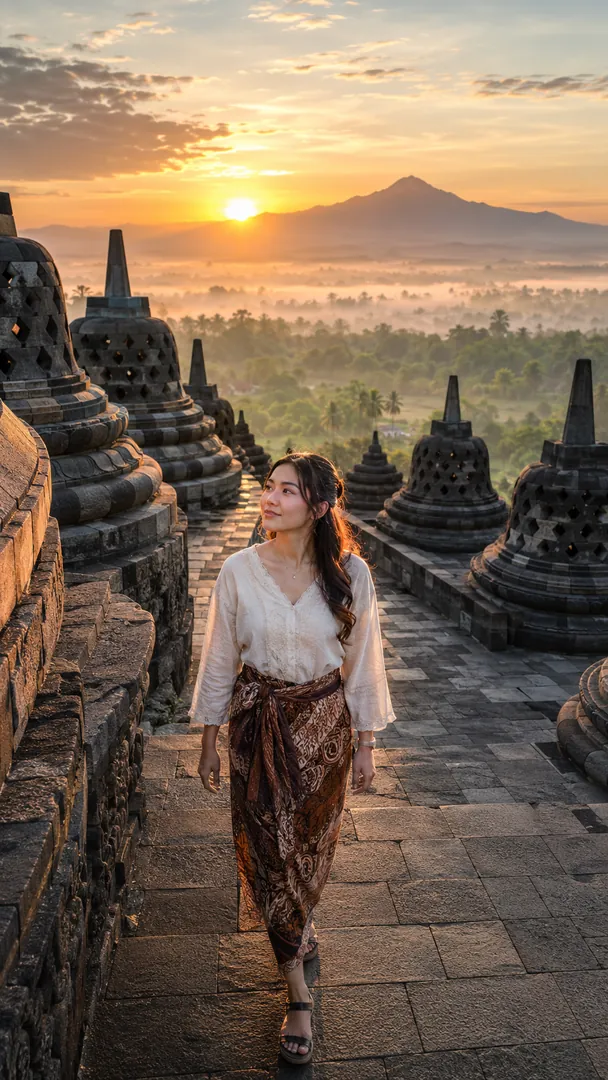 Borobudur Sunrise EscapeIndonesian Destinations
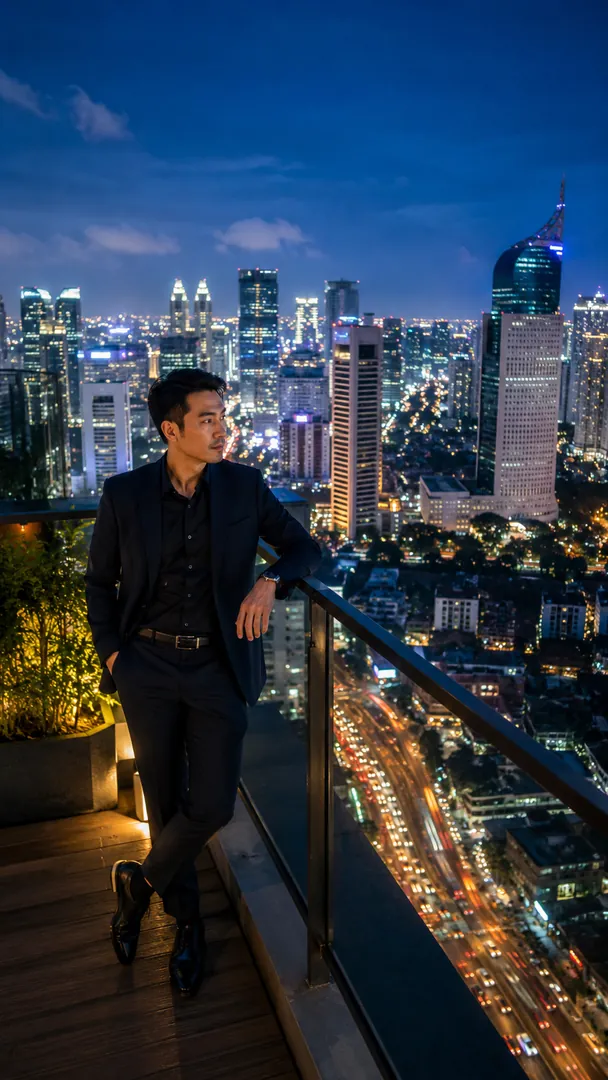 Jakarta After DarkIndonesian Destinations
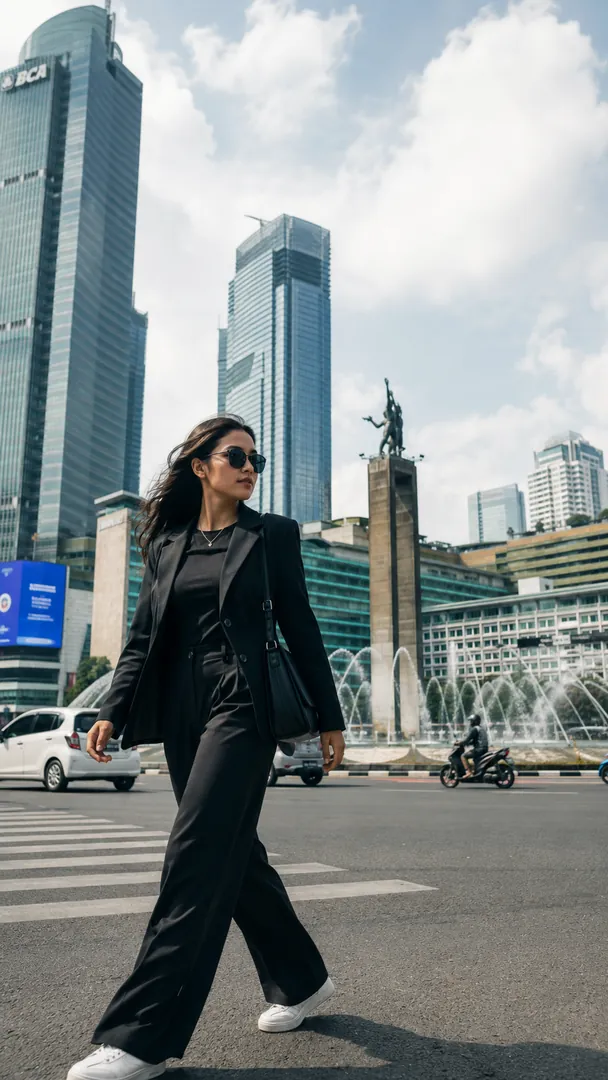 Jakarta Street StyleIndonesian Destinations
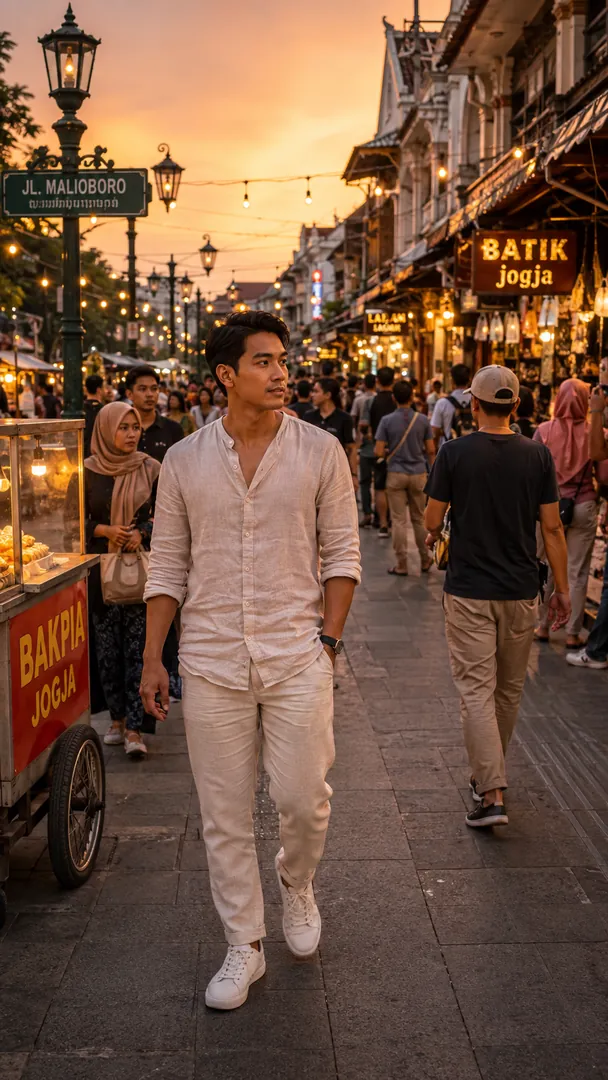 Yogyakarta Street LifeIndonesian Destinations

 Coming soon