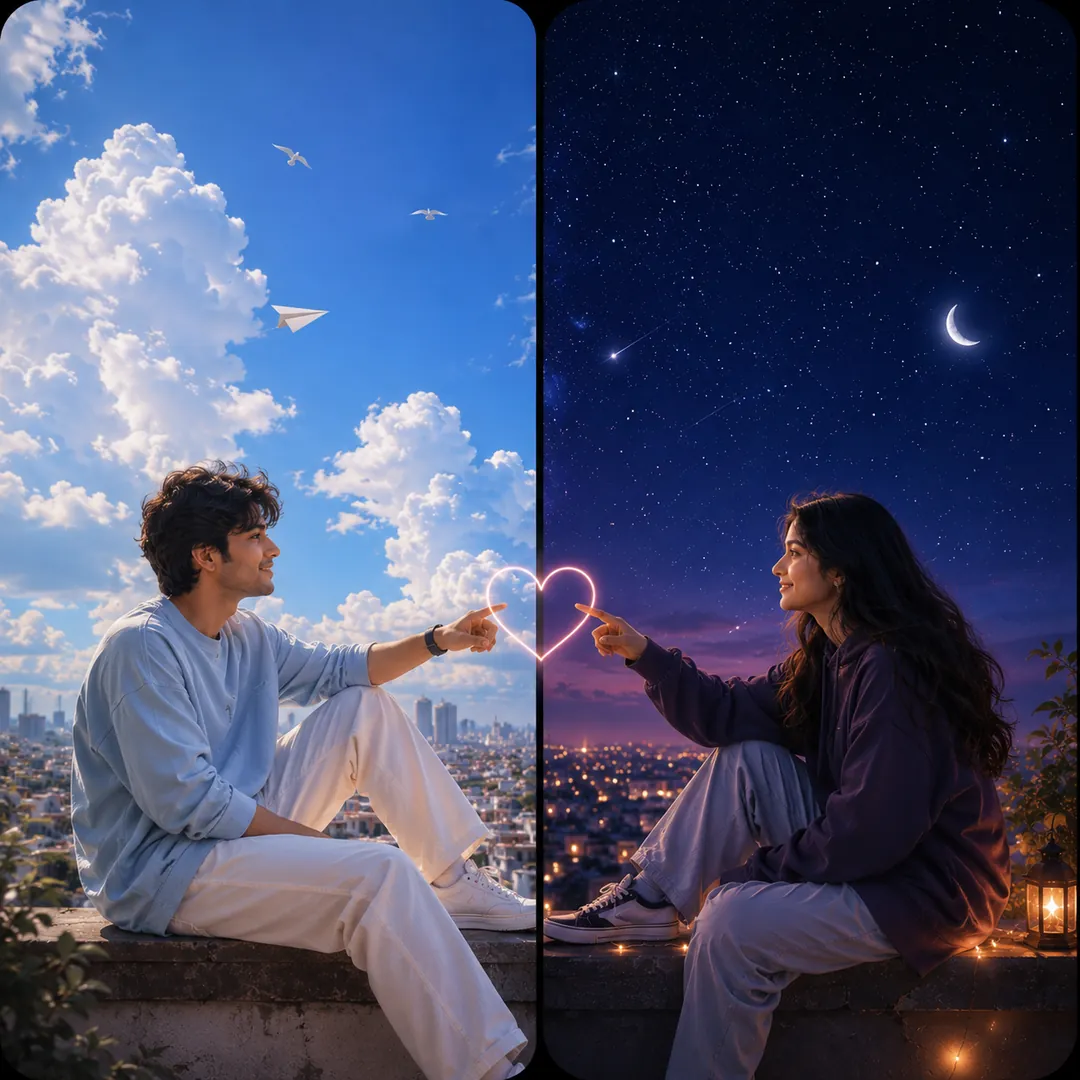
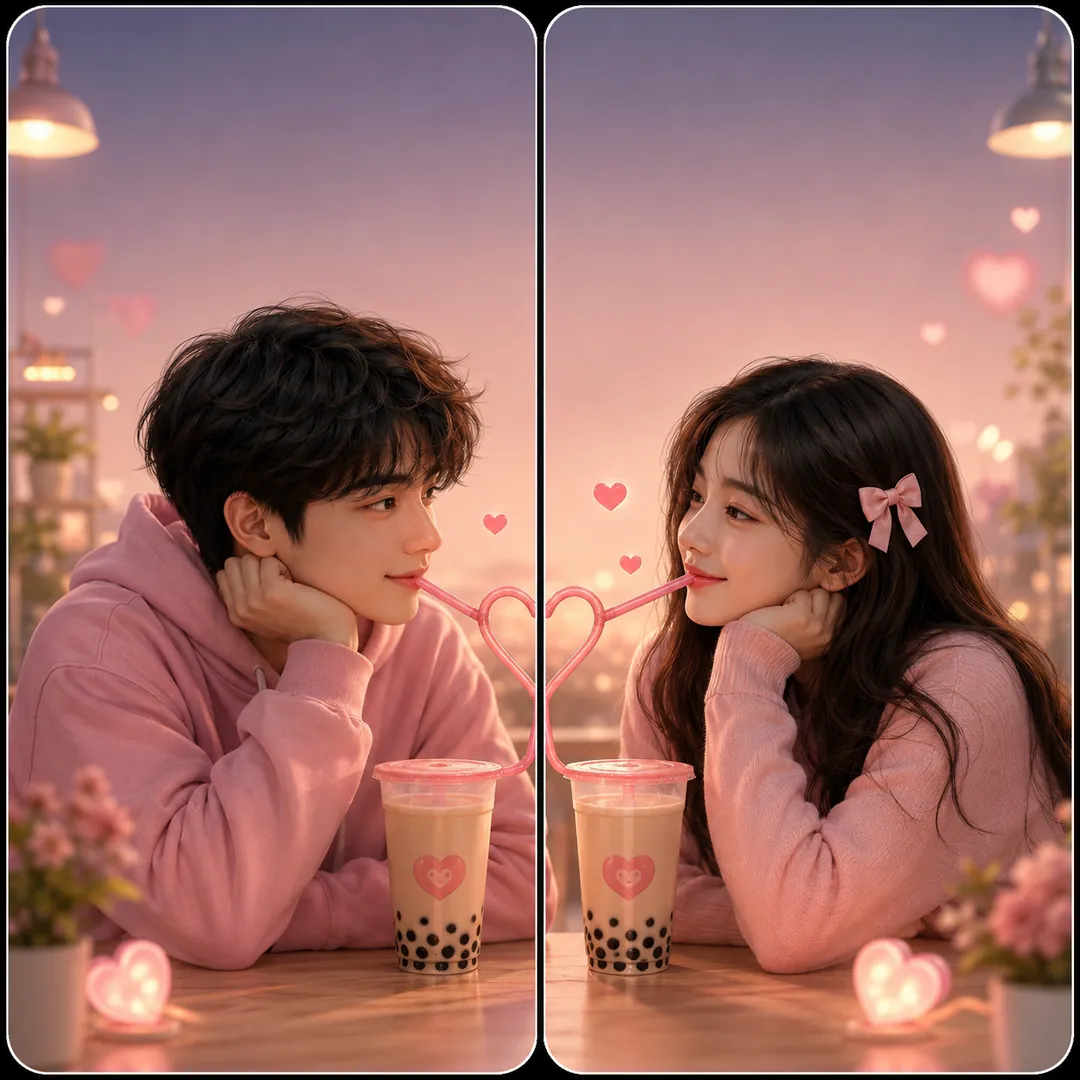
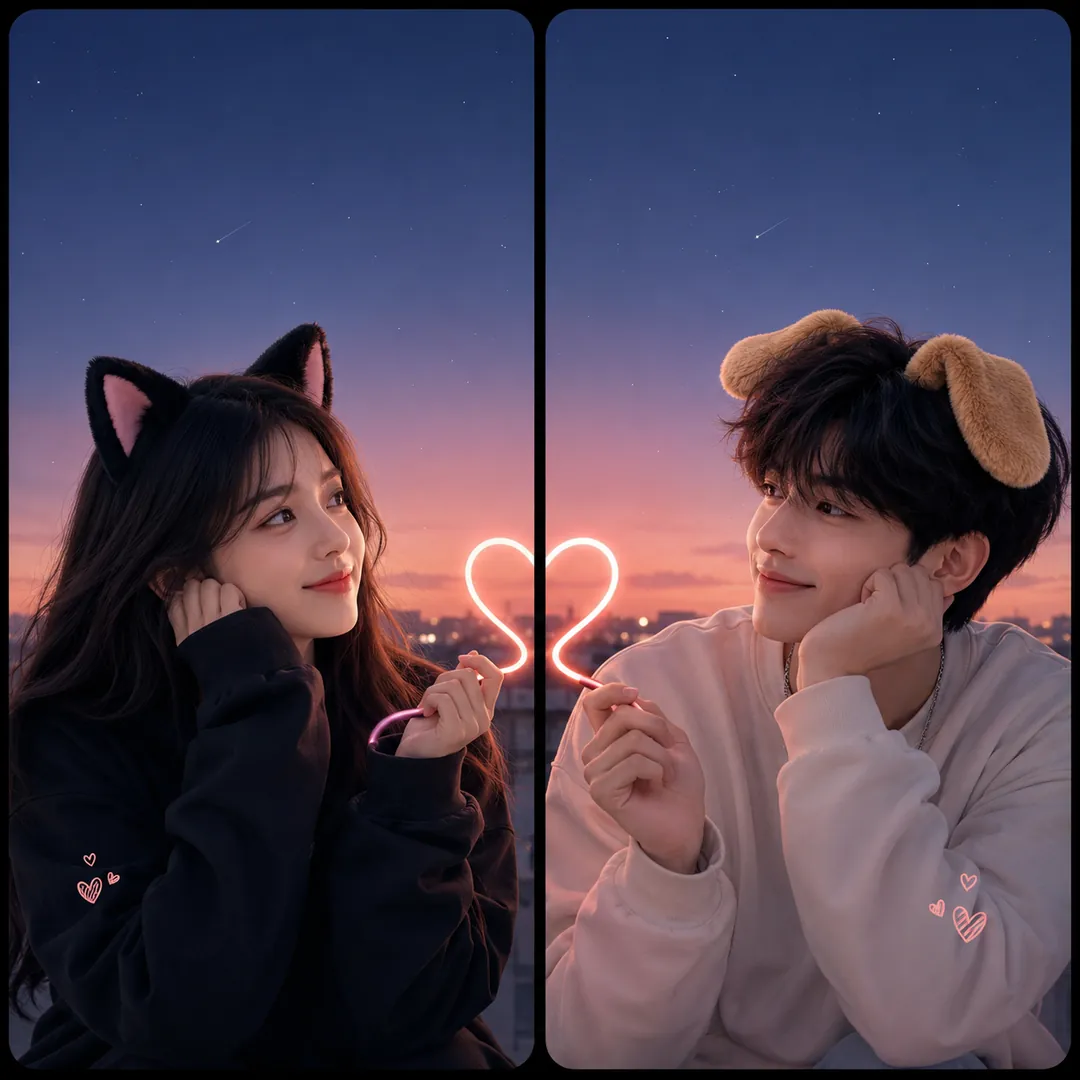
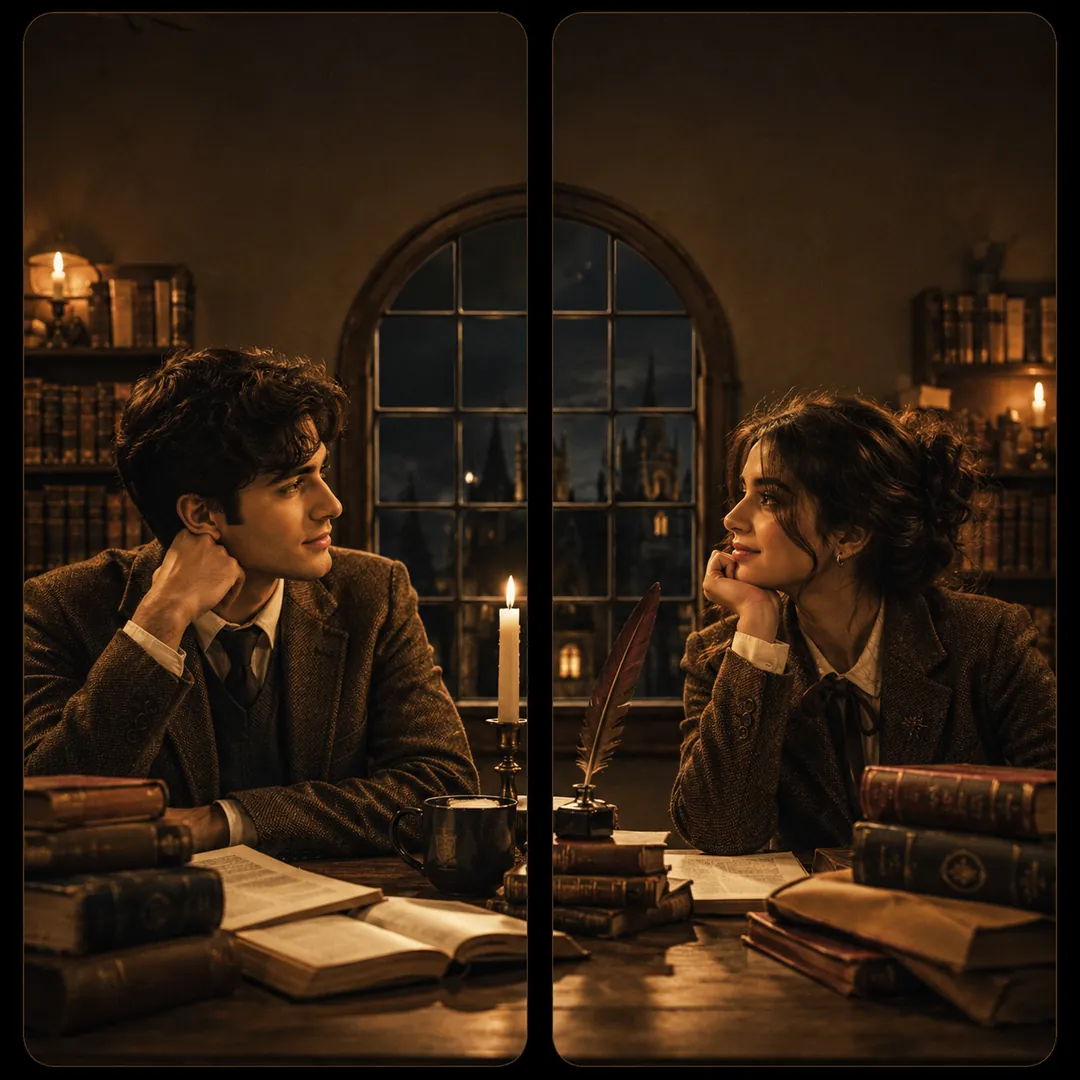
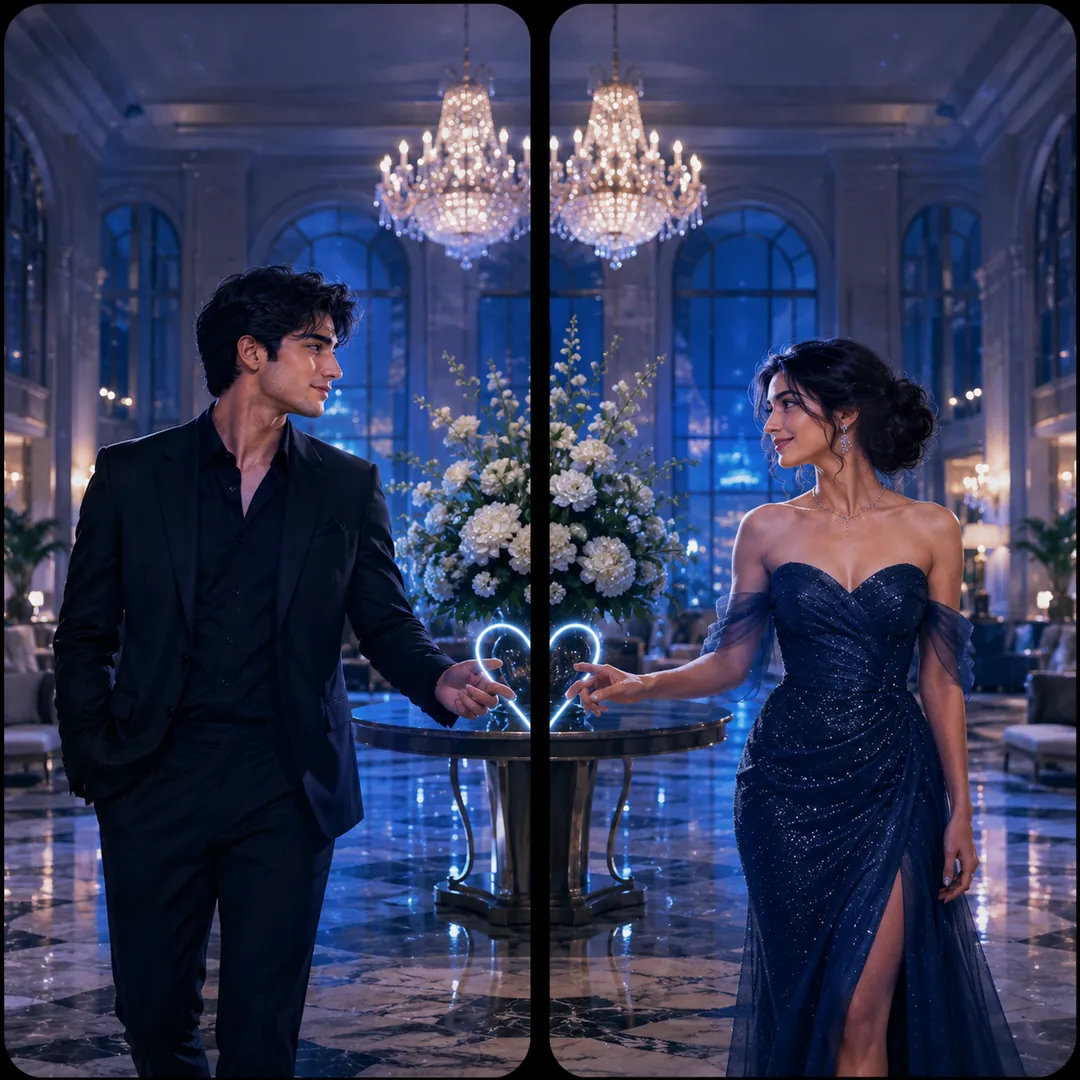
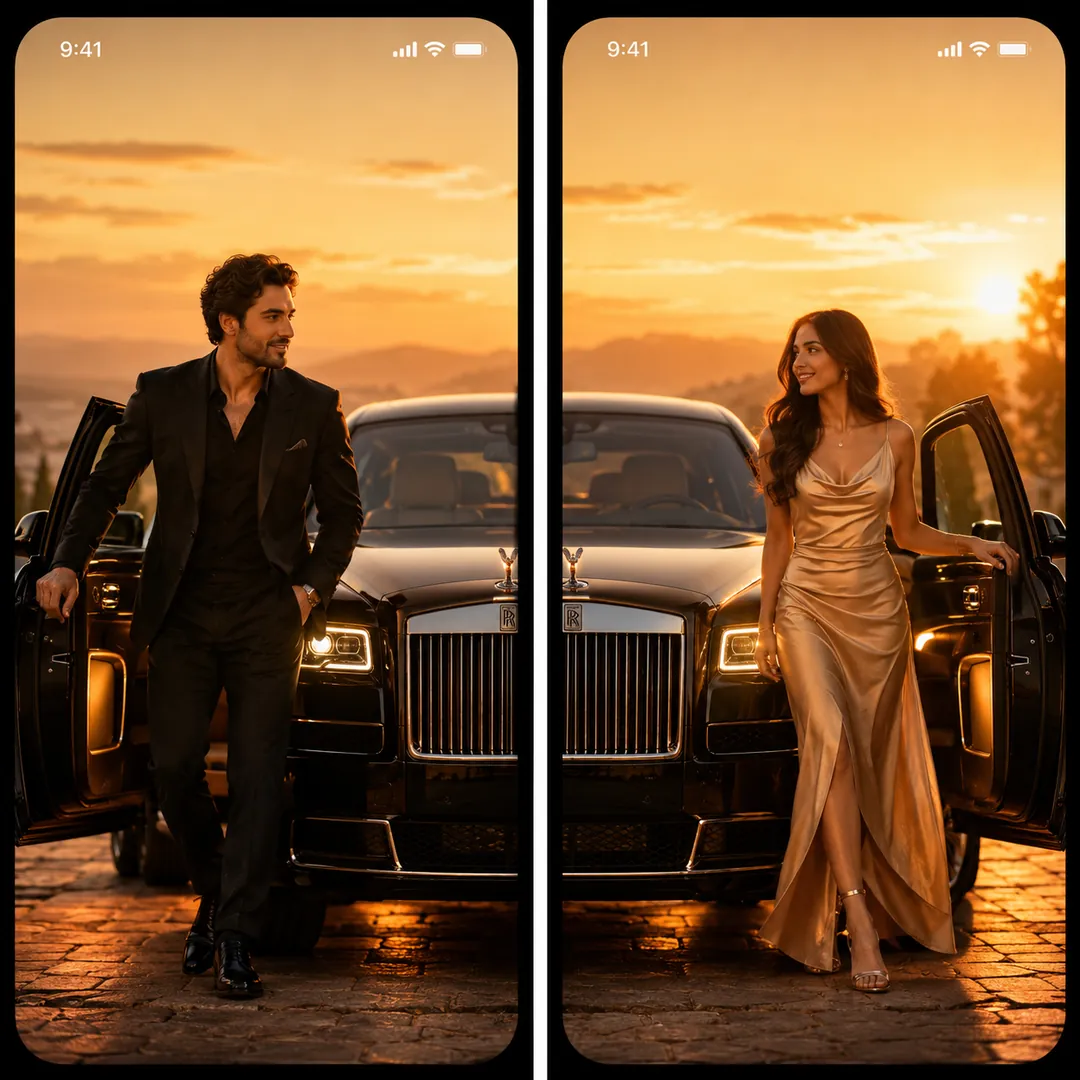
Mood & Scene
Neon city, black and white, florals, a rainy window, a corner of a coffee shop.

 Coming soon
Neon city, black and white, florals, a rainy window, a corner of a coffee shop.
Coming soon
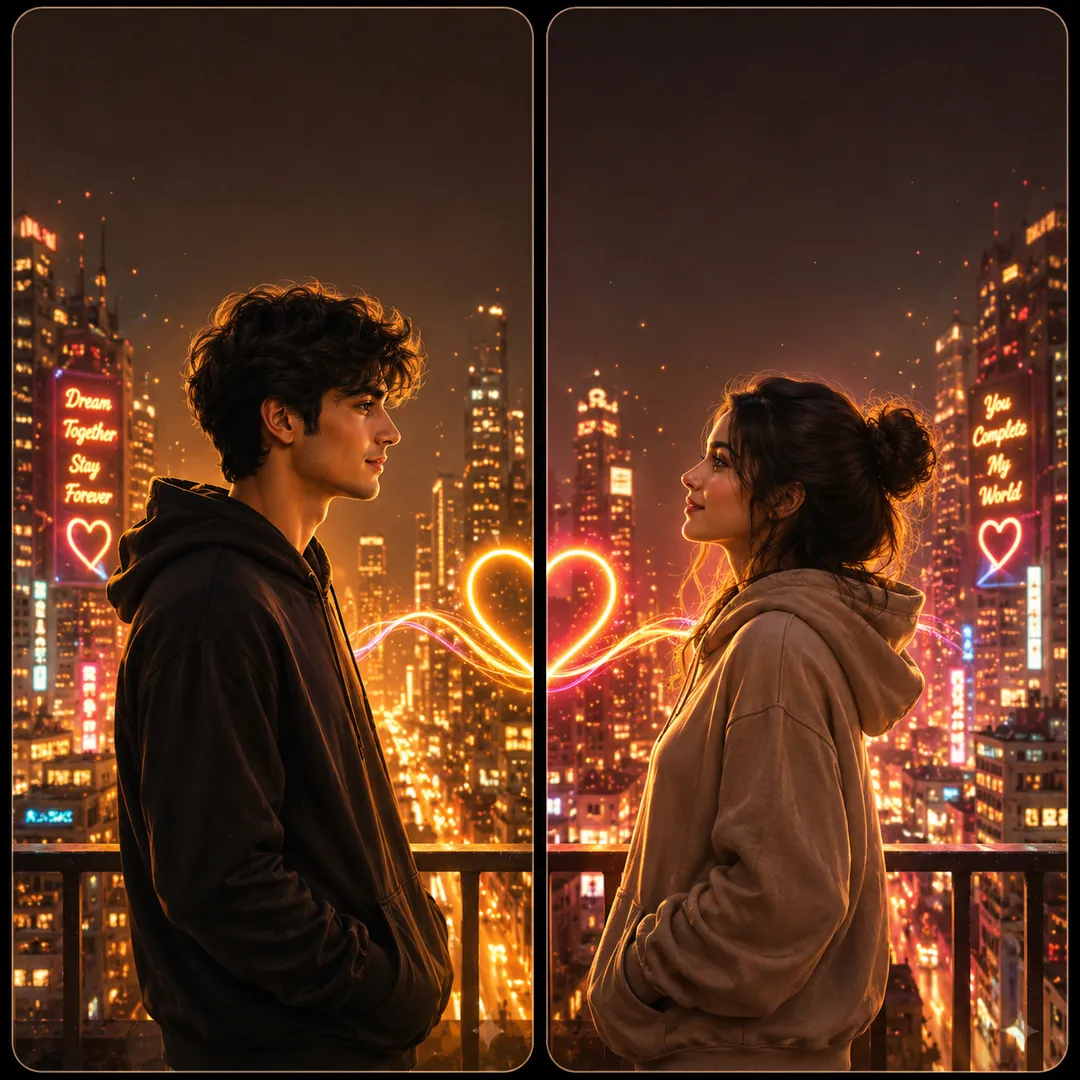
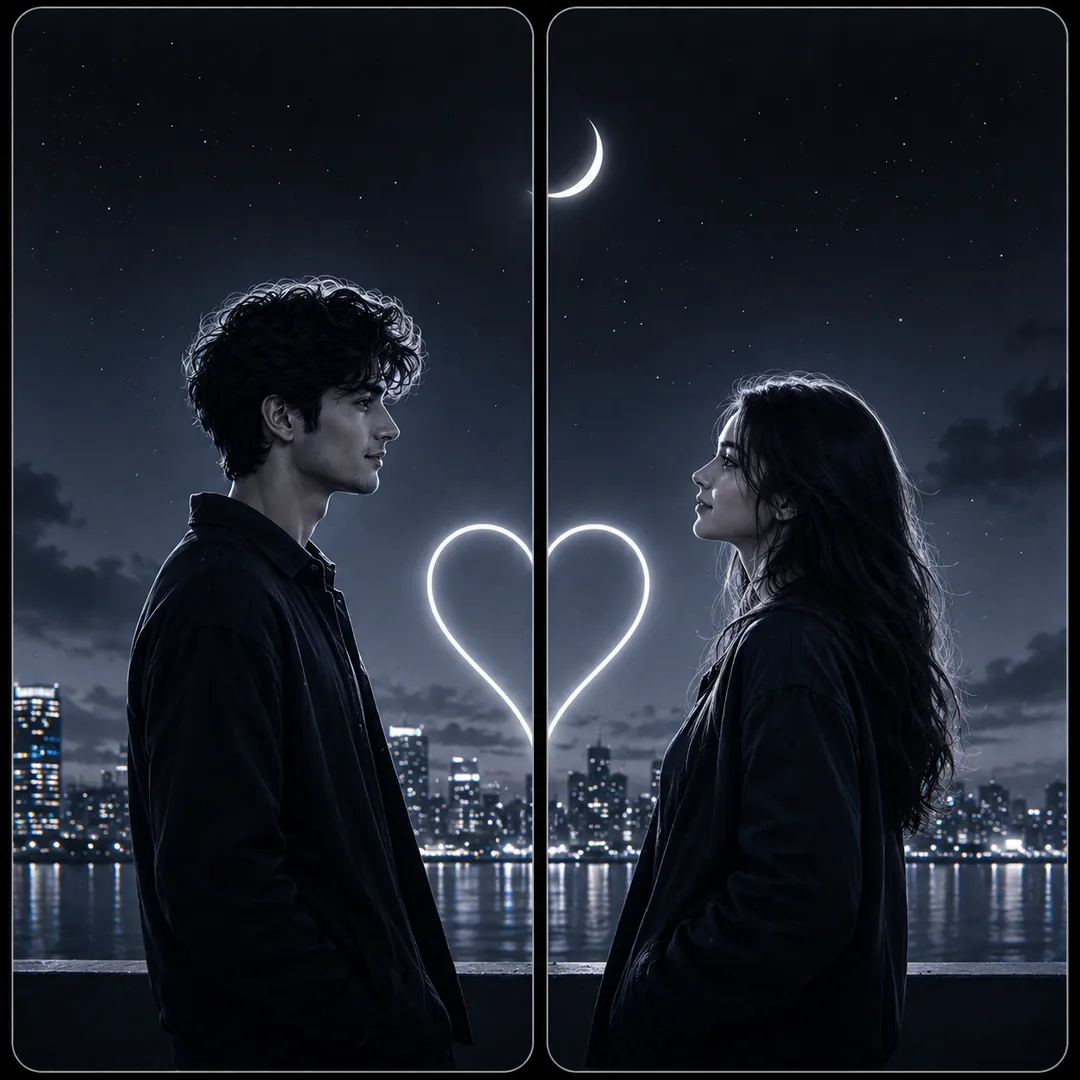
Mood & Scene is an AI photo effect from the Matching Wallpapers collection in the Trendy AI Lab app. Upload a selfie and the AI recreates it in this style in seconds, so you get a polished, share-worthy image with no editing skills needed.
Each partner should upload a clear front-facing selfie; after generating, crop the square image down the middle so each phone gets its half.
Mood & Scene returns a square image, sized for a profile picture or a post. It works from two photos, one for each person and you can set Aesthetic and Colour Mood before generating.
The Matching Wallpapers collection makes 'his & hers' split-screen sets, two wallpapers, one for each phone, that line up into a single picture when you hold your phones side by side, from a red string of fate to sun & moon, fantasy royalty and matching art styles.
Choose this look in the Trendy AI Lab app, no design skills needed.
Add a photo from your gallery. It's used only to make your image.
Your AI image is ready in seconds, download or share it anywhere.
Open the Trendy AI Lab app, choose the Mood & Scene style, upload two photos, one for each person, and the app generates your image in seconds.
Each partner should upload a clear front-facing selfie; after generating, crop the square image down the middle so each phone gets its half.
Yes. Mood & Scene composes both people into one image, so it asks for a separate photo of each. They do not have to be taken together.
Yes. Mood & Scene lets you set Aesthetic and Colour Mood before you generate, so two people running the same style get different results.
Your photo is sent to a third-party AI service only to generate your image, and the upload is deleted afterwards. It is never used for advertising.
Download Trendy AI Lab and create your first AI photo free with rewarded ads.
Coming soon