Explore the 4 AI photo styles in the Ramadan collection from Trendy AI Lab, including Ramadan Light Festival, Takjil Bazaar, Sunset Iftar Table and Tarawih Mosque Night. Pick a style, upload a selfie, and create a share-worthy AI image in seconds, free with rewarded ads on Android.
The Ramadan collection turns your photo into a Ramadan-night portrait with AI, a lantern-lit festival street, a golden-hour takjil bazaar, a sunset iftar table and a serene mosque after Tarawih, with modest festive styling and your own greeting, keeping your face recognisable throughout.
Every style here returns a tall 9:16 image, sized to fill a phone screen and works from one photo.
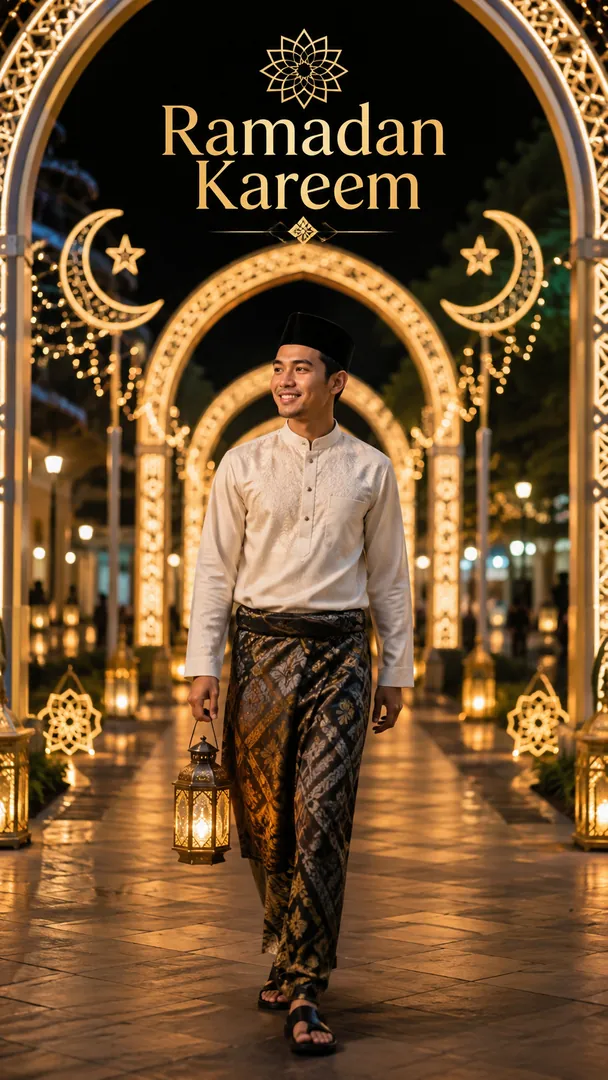
Lantern arches over a lit festival street, with your own greeting on it.
Options: Outfit, Light street, Greeting.
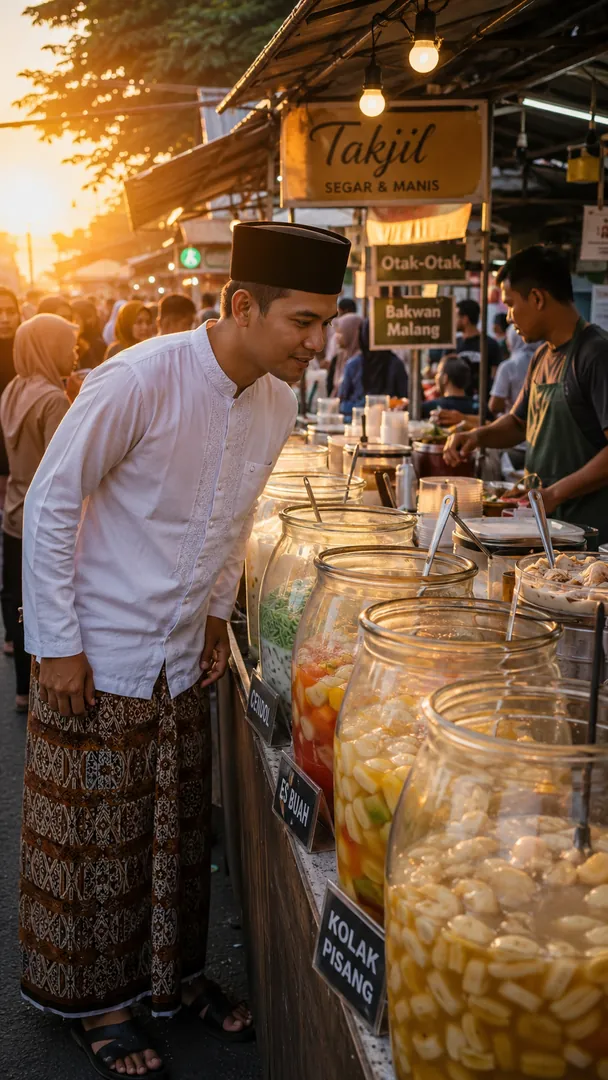
A takjil stall at golden hour: kolak, gorengan and sweets going quickly.
Options: Stall, Outfit.

Dates and kolak on a warm table in the last minute before the fast breaks.
Options: Iftar spread, Outfit, Greeting.
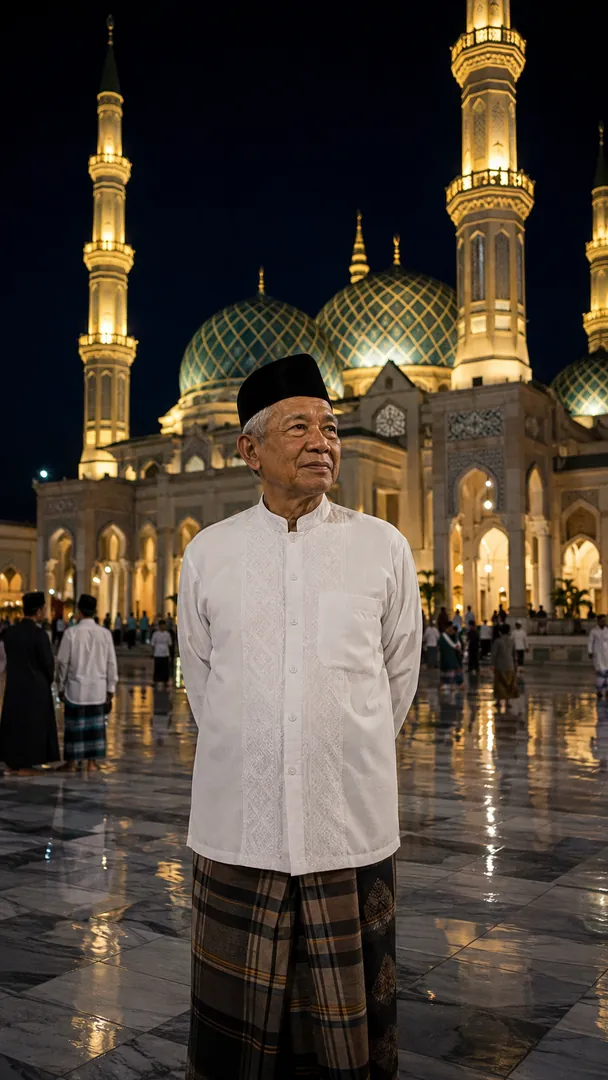
Lantern-lit mosque architecture under a deep blue Tarawih sky.
Options: Mosque, Outfit.
Choose a look from the Ramadan collection above. No editing skill needed.
Add a clear, well-lit selfie. It is used only to make your image and is deleted afterward.
Your AI photo is ready in seconds to download or share anywhere.
Use a clear, well-lit photo of your full face so the warm lantern light falls on it naturally.
Open the Trendy AI Lab app, pick a style from the Ramadan collection, upload a photo, and the app generates your image in seconds. You can then download or share it.
Use a clear, well-lit photo of your full face so the warm lantern light falls on it naturally.
Yes. The browser image tools are free with no account at all. In the app you earn free credits by watching rewarded ads, or buy credit packs.
The image tools work in any browser, on phone or desktop. The AI trends are in the Android app, with the iOS version coming soon.
Your photo is sent to a third-party AI service only to generate your image, and the upload is deleted afterwards. It is never used for advertising.
Get the Trendy AI Lab app and try it free with rewarded ads.

 Coming soon